
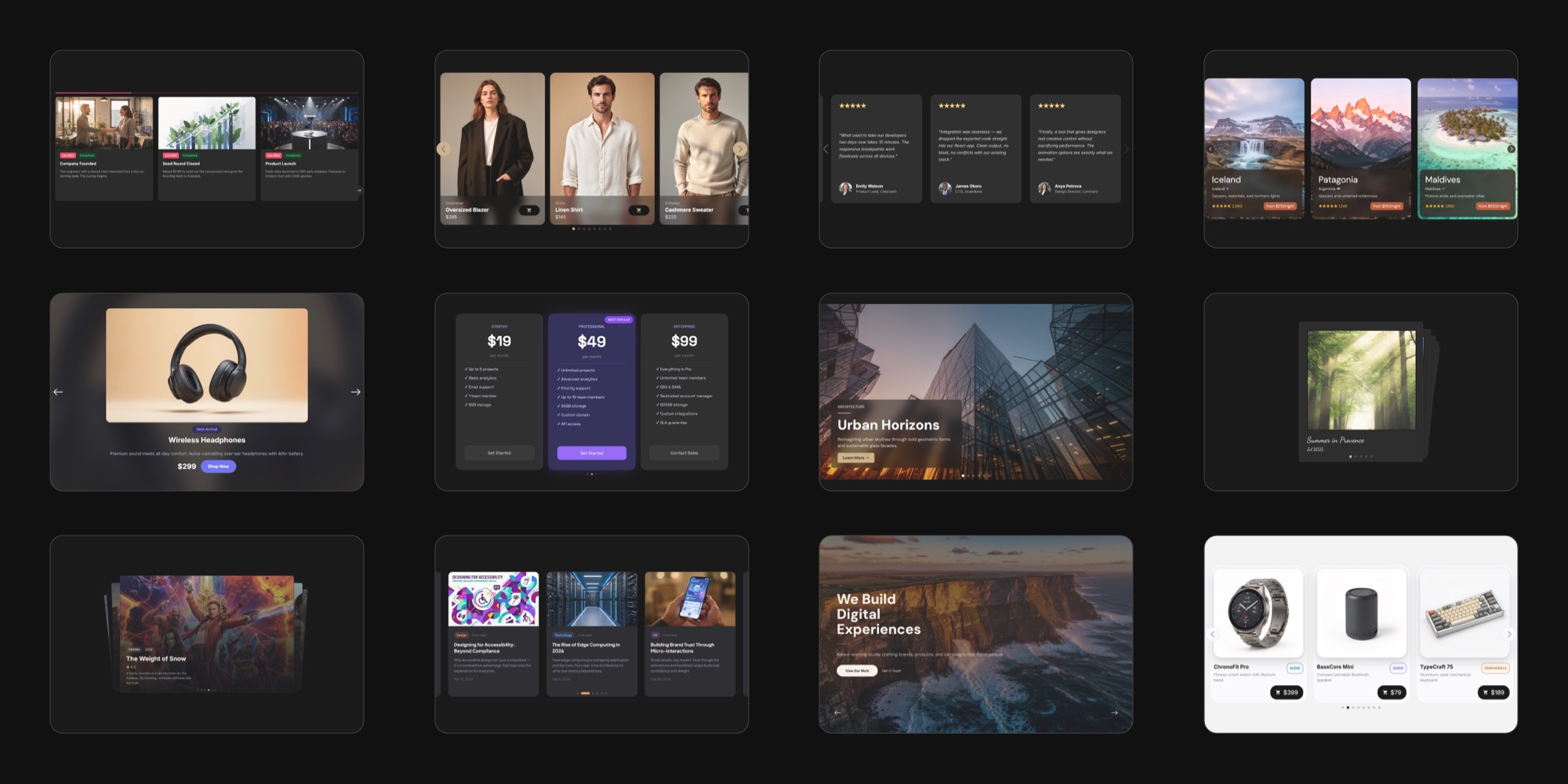
#25 Ready-Made Use Case Templates Now in Swiper Studio
Building a slider from scratch is powerful - but sometimes you just want a head start. Today we are shipping 25 use case templates covering the most common slider patterns on the web. Each one is a fully designed, production-ready starting point that you can customize visually and export to React, Vue, Next.js, HTML, Web Components, or Webflow.
No more staring at a blank canvas. Pick a template, make it yours, and ship.
Browse the full collection on the Templates page, or read on for a tour of what is inside.
#What Are Use Case Templates?
Use case templates are pre-built slider designs for real-world website sections. Unlike effect demos that showcase a single Swiper feature, these templates solve an actual design problem - a hero banner that converts, a testimonials carousel that builds trust, a product grid that sells.
Every template includes:
- Fully styled slides with text, images, and layout
- Responsive breakpoints for mobile, tablet, and desktop
- Proper Swiper configuration (effect, navigation, pagination, autoplay)
- Light and dark variants where it makes sense
You can open any template in the editor, change anything you want, and export clean code in your preferred framework.
#The Full Collection
Here is what is in the box - 25 templates across 10 categories.
#Hero Banners
The first thing visitors see. The Hero Banner template gives you a full-screen slider with bold headlines, CTA buttons, background images, and smooth navigation. Perfect for landing pages, marketing sites, and product launches.
#Testimonials and Social Proof
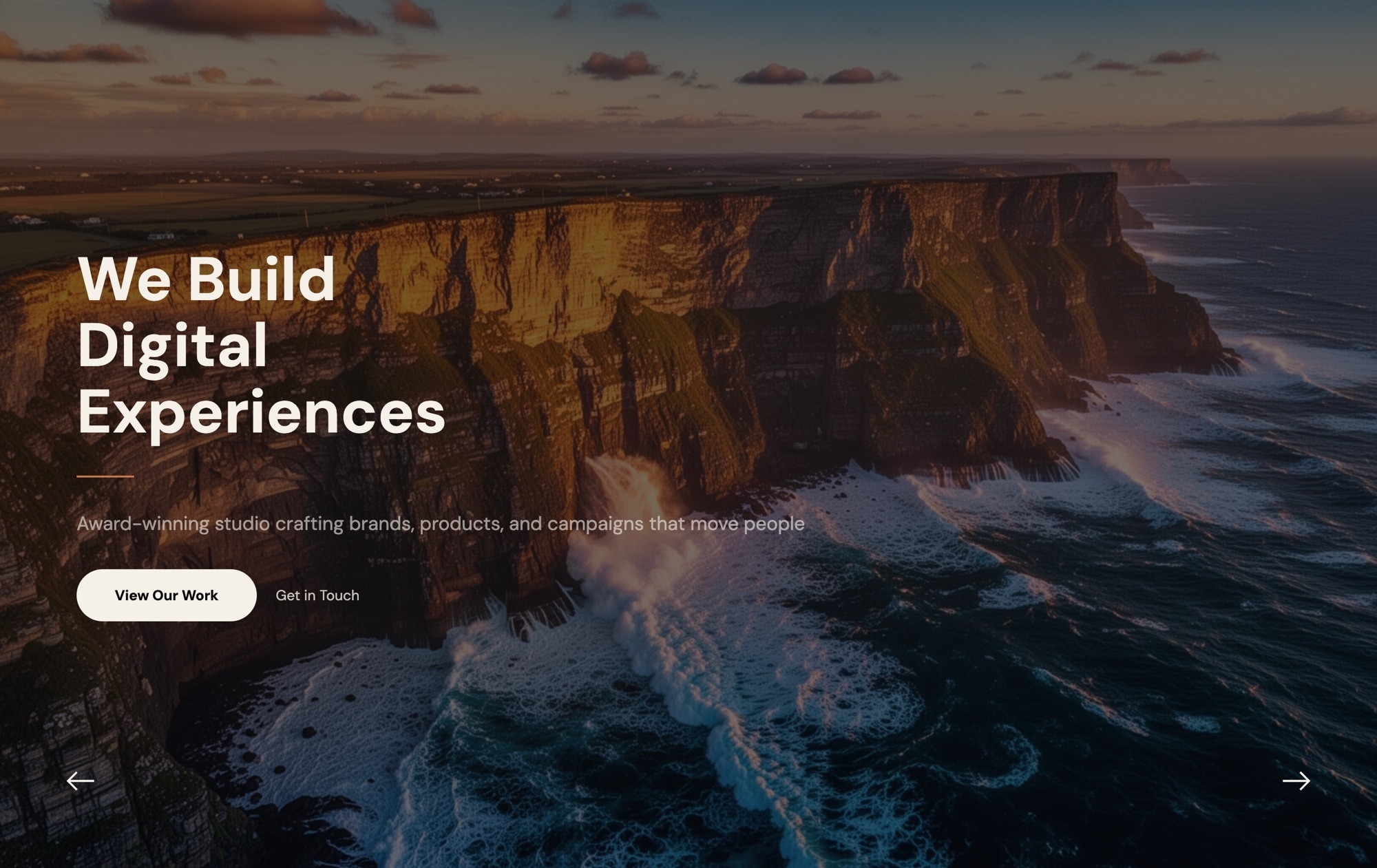
Nothing sells like real customer voices. Three templates cover this space:
- Testimonials Carousel - Dark - Customer review cards with star ratings, quotes, and avatars on a dark background
- Testimonials Carousel - Light - Same layout, light theme
- Social Proof Wall - User quote cards with avatars and social media handles in a multi-slide carousel
#E-commerce and Products
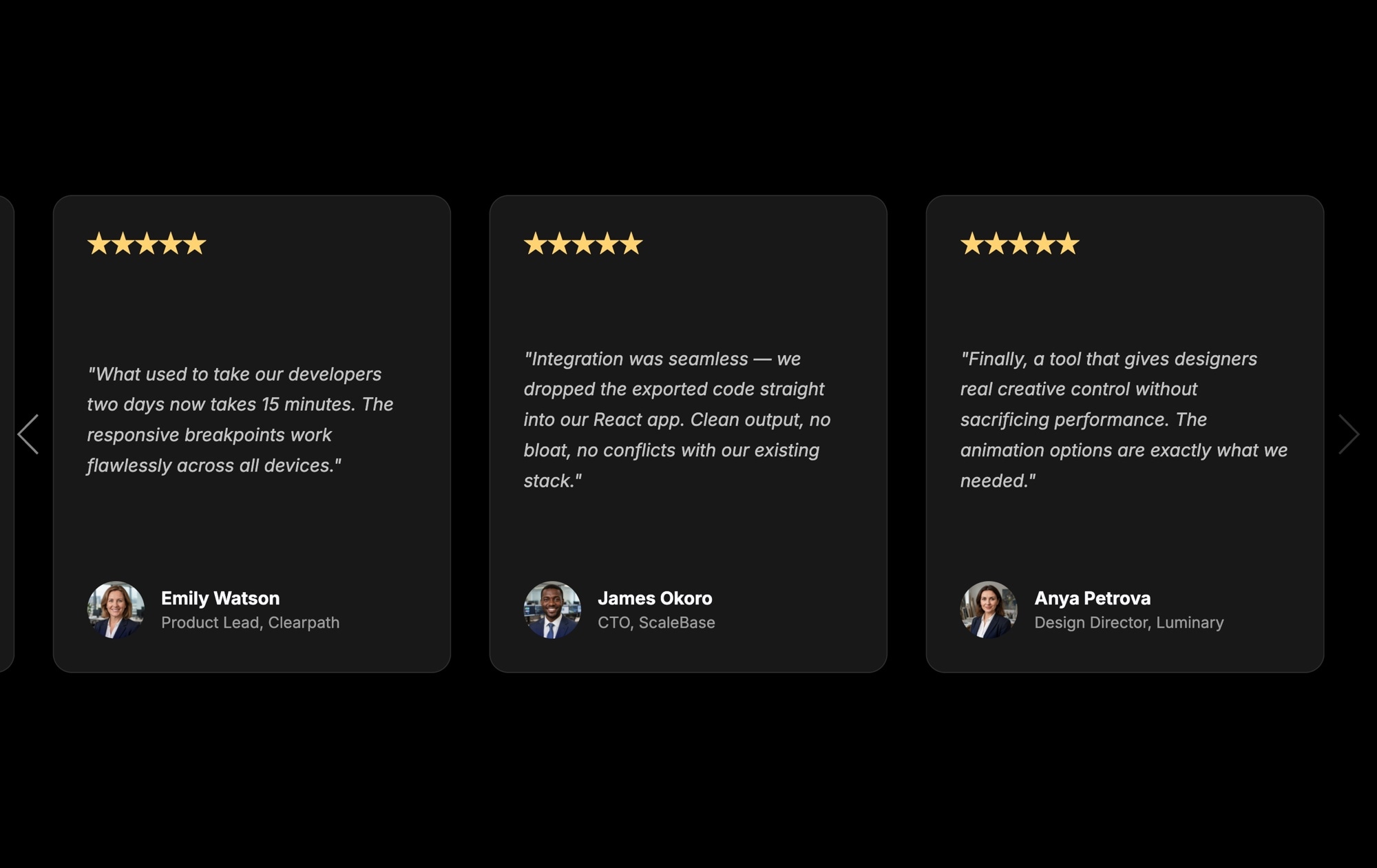
Five templates for showcasing products across different industries and layouts:
- Product Showcase - Dark - Single product spotlight with a large image, pricing, and a shop button
- Product Showcase - Light - Light variant of the same layout
- Products - Apparel - Fashion product cards with model photos, category labels, and prices
- Products - Tech Devices - Tech product carousel with large images, descriptions, and pricing
- Products - Tech Devices - Buttons - Compact tech product cards with category badges and prices
Whether you are selling sneakers or smartphones, there is a starting point ready.
#Pricing Plans
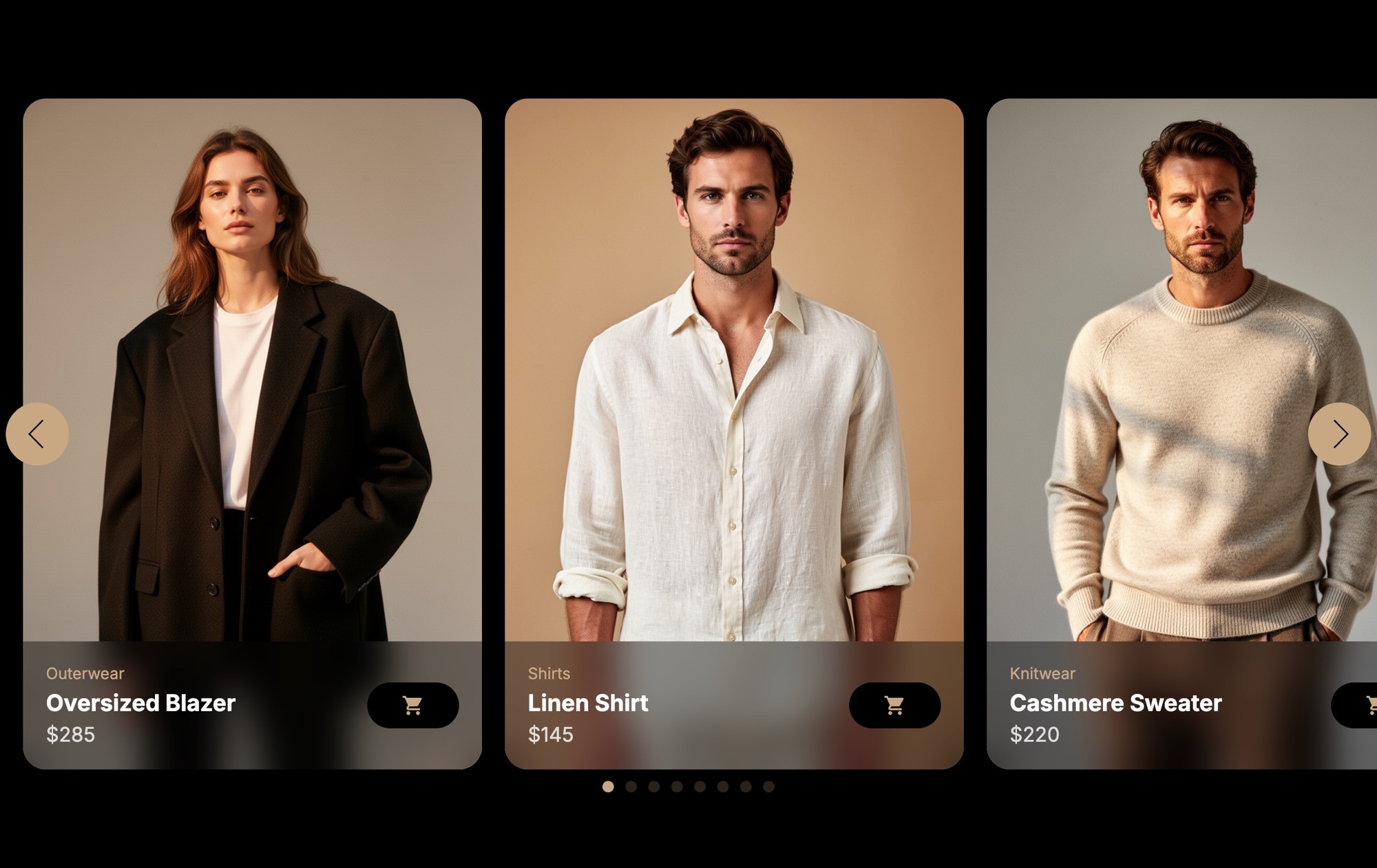
The slider format works surprisingly well for pricing tables - especially on mobile where horizontal scrolling beats stacking three wide cards vertically.
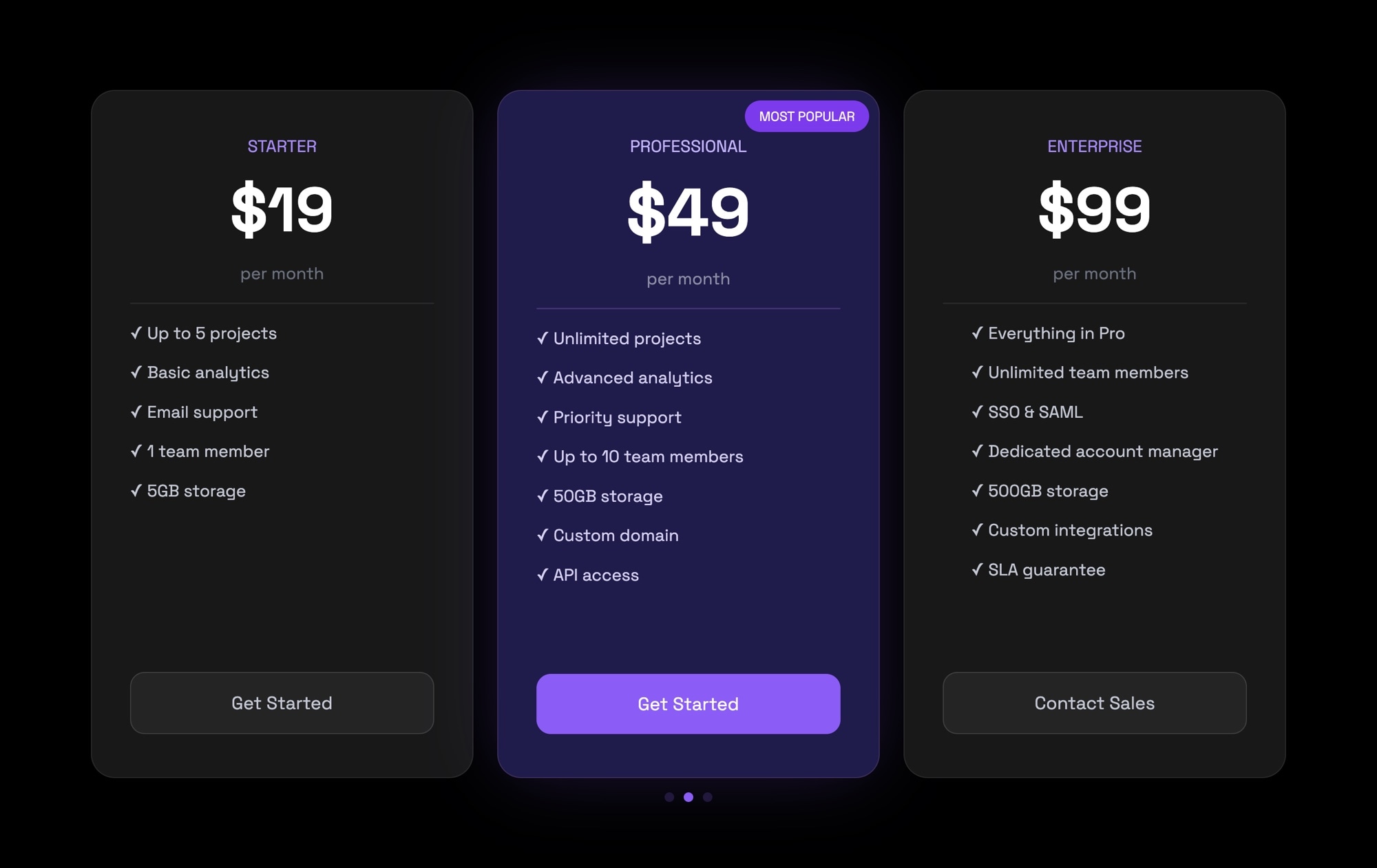
- Pricing Plans - Dark - Pricing tier cards with feature lists, highlighted plans, and CTA buttons
- Pricing Plans - Light - Light variant
#News and Blog
Content-heavy sites need carousels that put articles front and center:
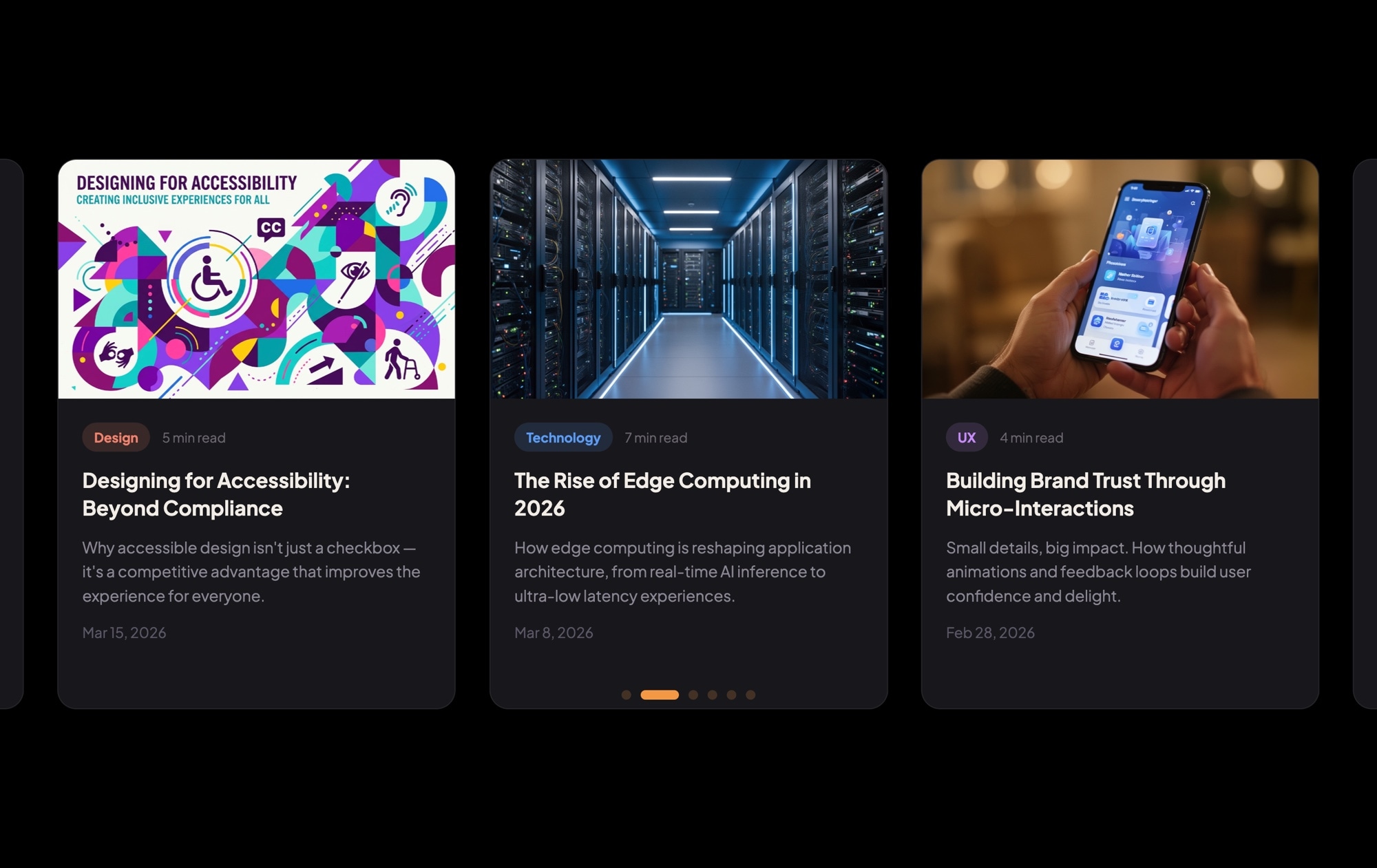
- News & Blog Cards - Dark - Blog article cards with cover images, category tags, and reading time
- News & Blog Cards - Light - Light variant
#Portfolio and Gallery
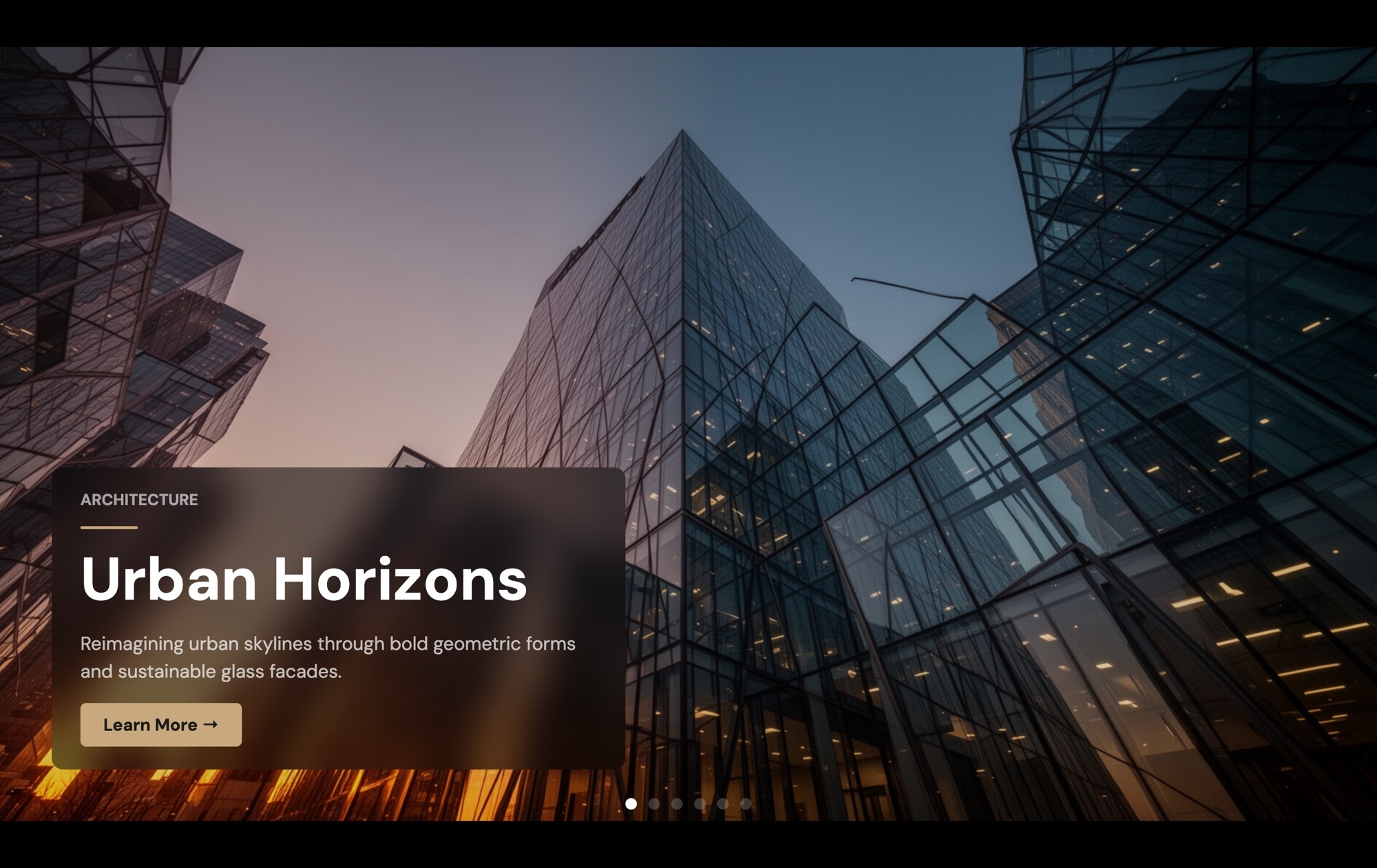
Portfolio Gallery - Full-screen portfolio slider with project titles and CTA buttons. Clean, bold, and designed to let your work speak for itself.
#Team Pages
Team Members - Portrait cards with names and job titles. A clean way to introduce the people behind your product or agency.

#Travel and Destinations
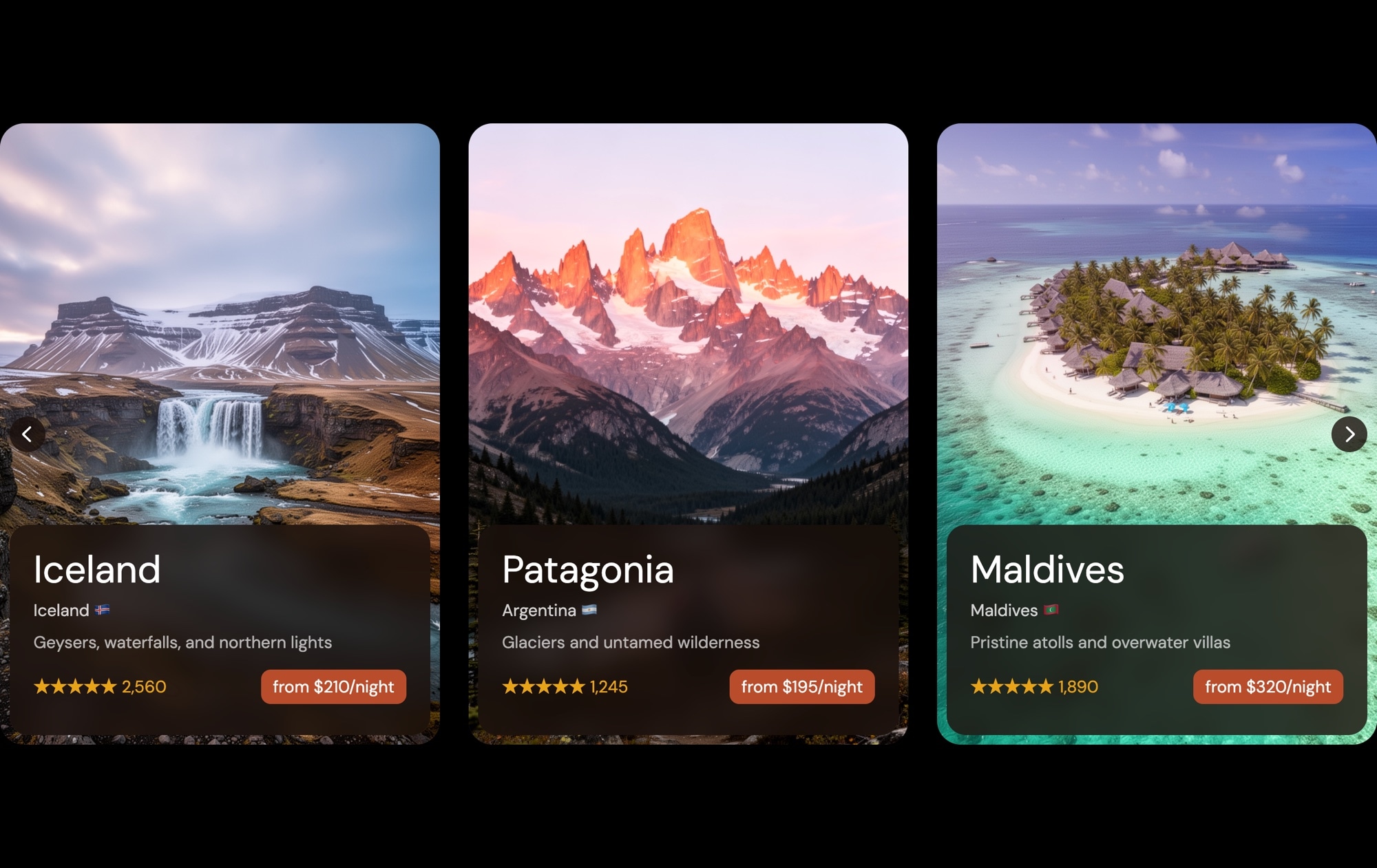
Travel Destination Cards - Destination cards with landscape photography, ratings, and pricing. Great for travel agencies, booking sites, and tourism pages.
#App Showcases
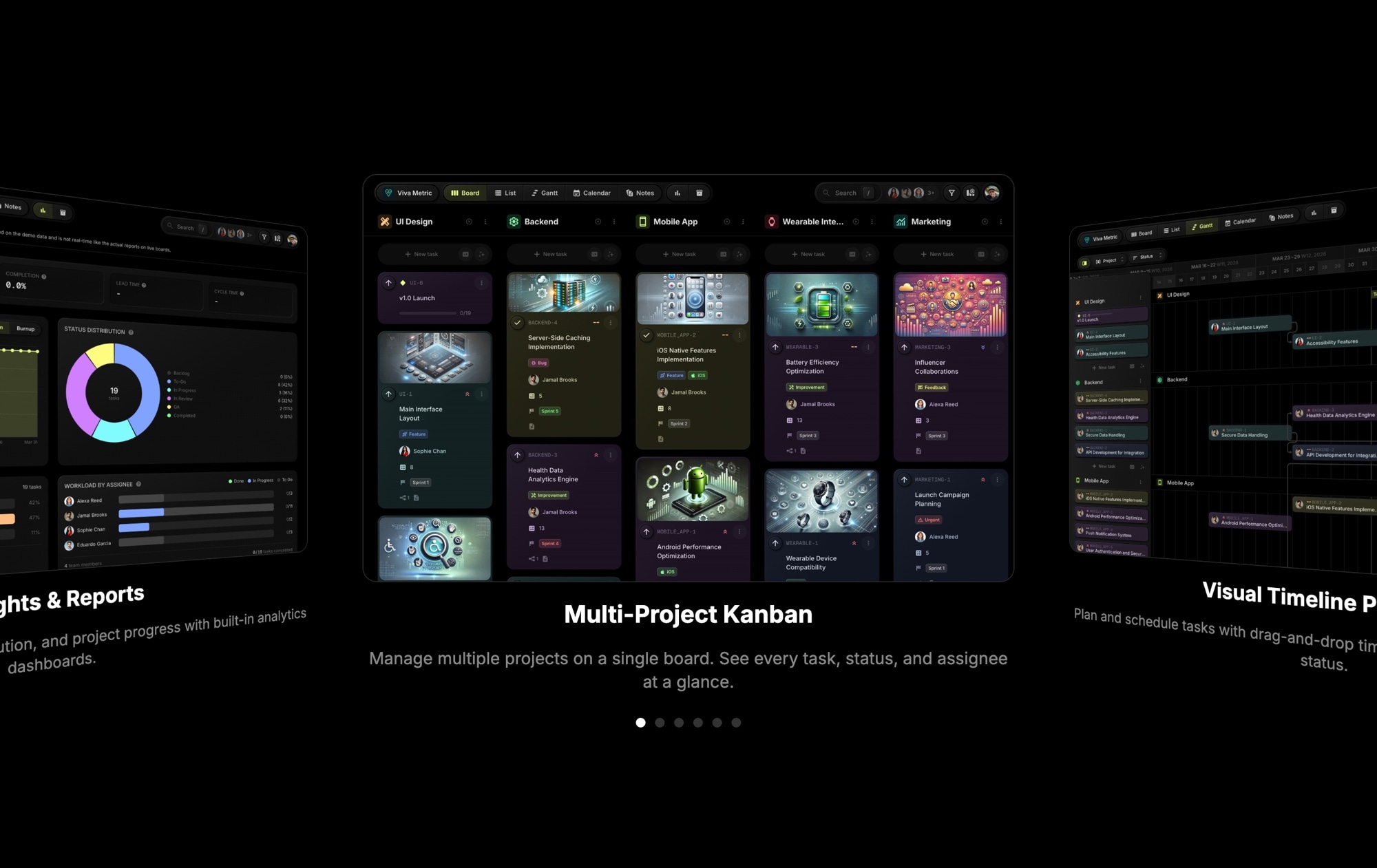
App Screenshots - A dark coverflow carousel for presenting app UI screens. The 3D depth effect naturally draws attention to the active screenshot while keeping adjacent ones visible for context.
#Before and After
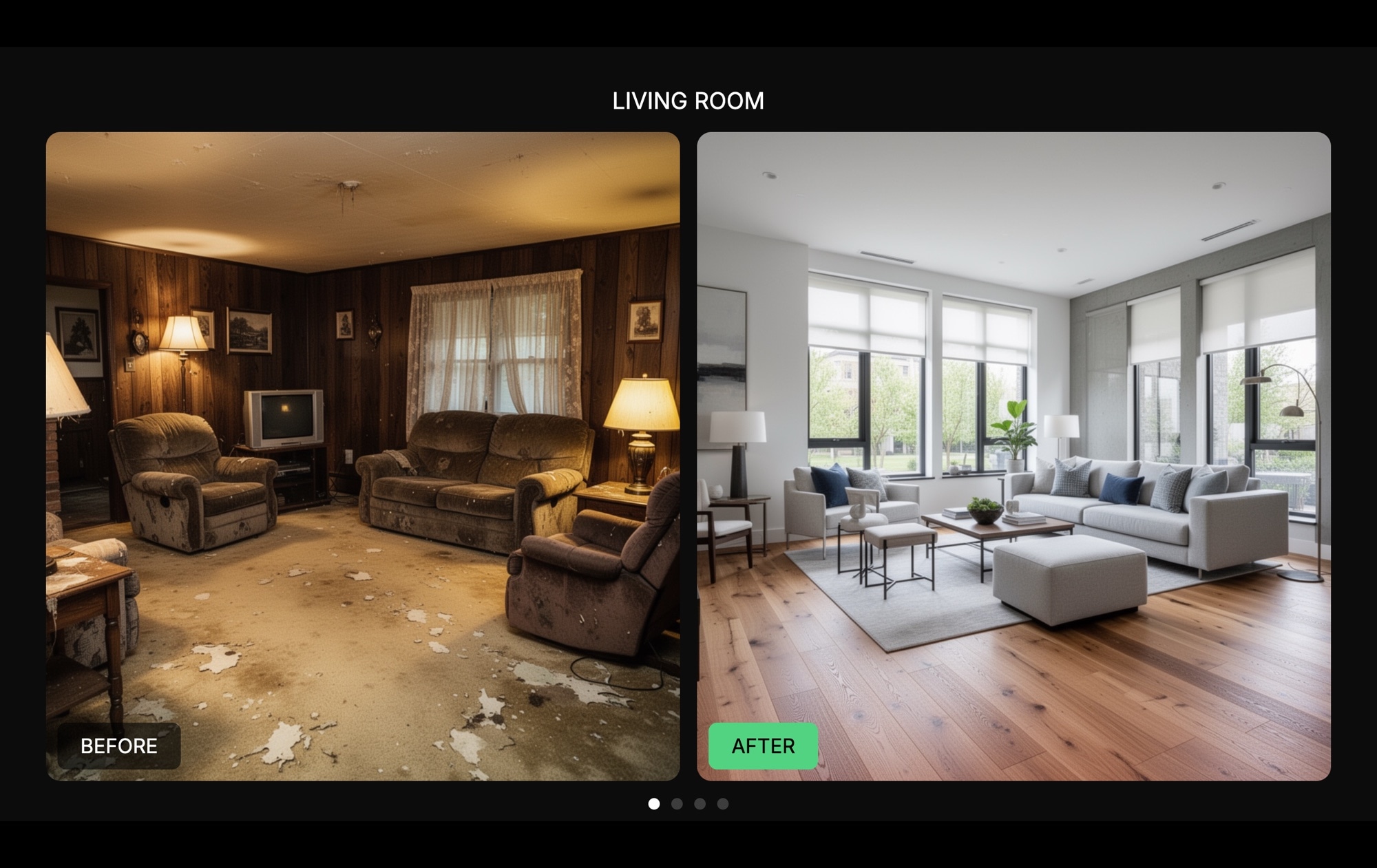
Before / After - Home Renovation - Side-by-side before and after comparison slides. The template uses a home renovation theme, but the pattern works for any before/after scenario - design revisions, photo editing, makeovers, progress tracking.
#Event Timelines
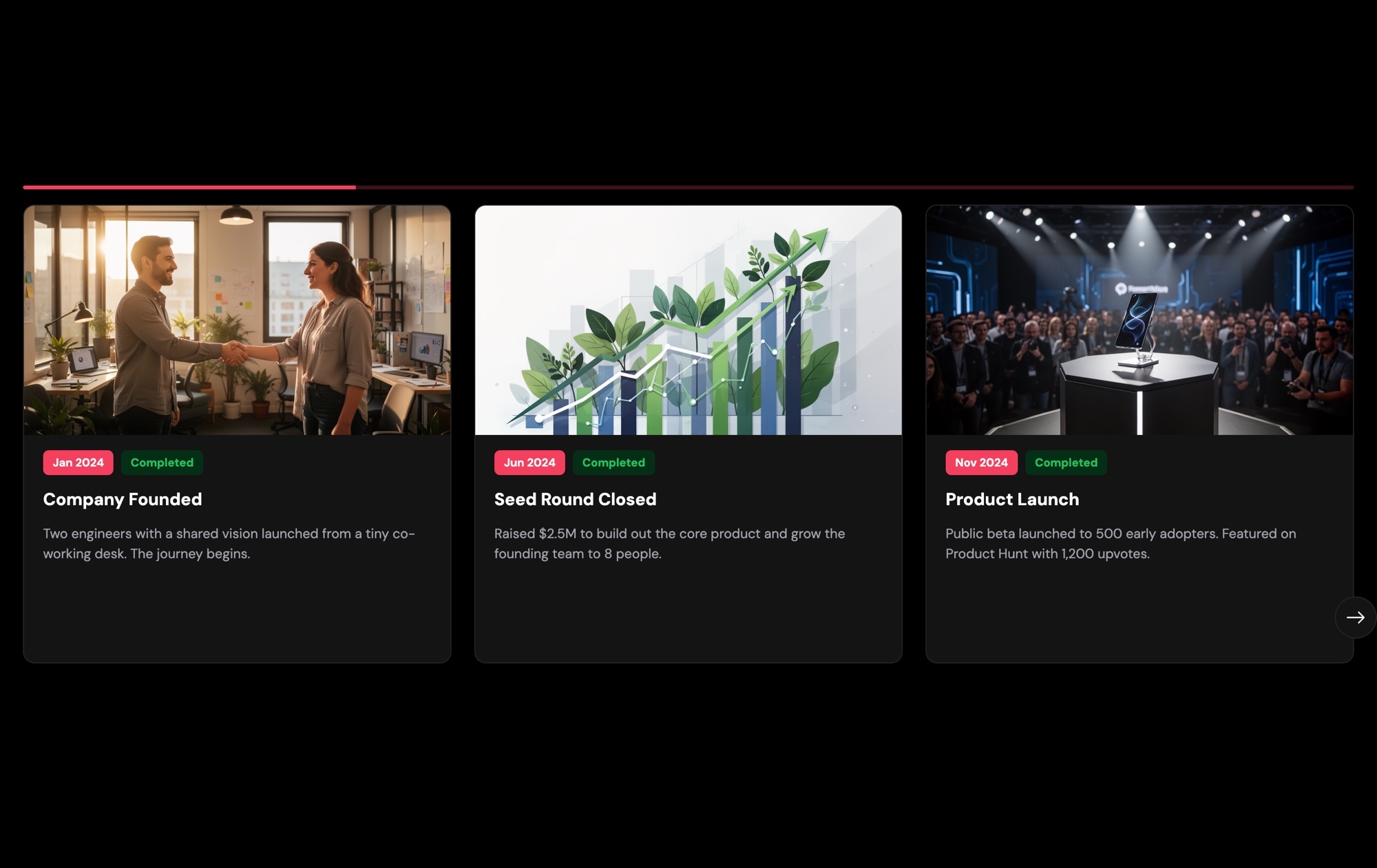
A creative use of the slider format - turning a horizontal swipe into a narrative journey through time:
- Event Timeline - Dark - Milestone cards with images and date badges
- Event Timeline - Light - Light variant
#Entertainment and Streaming
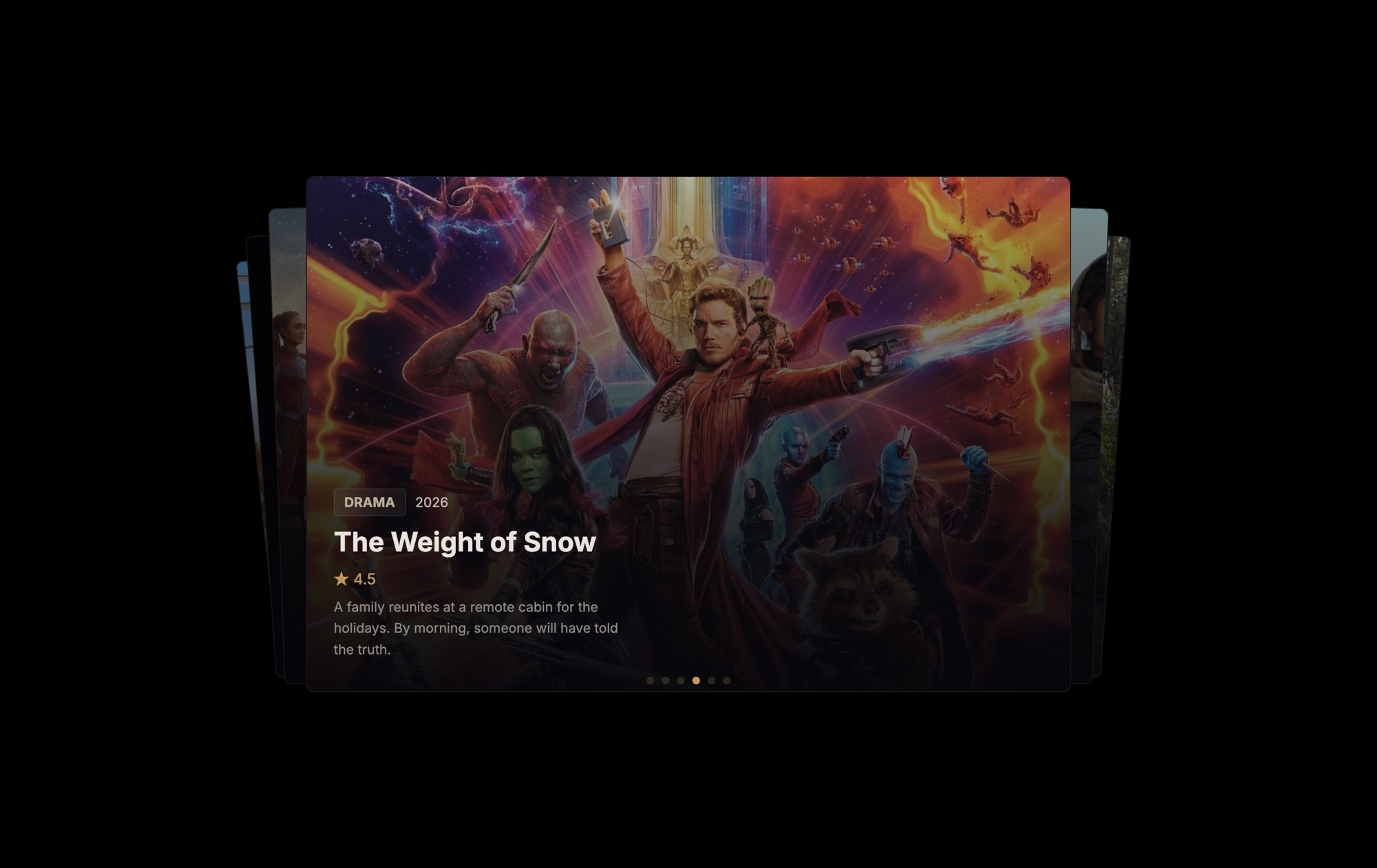
Now Streaming - Movie cards with poster art, ratings, and genre badges using the cards effect. Inspired by streaming platform UIs.
#Polaroid and Memory Layouts
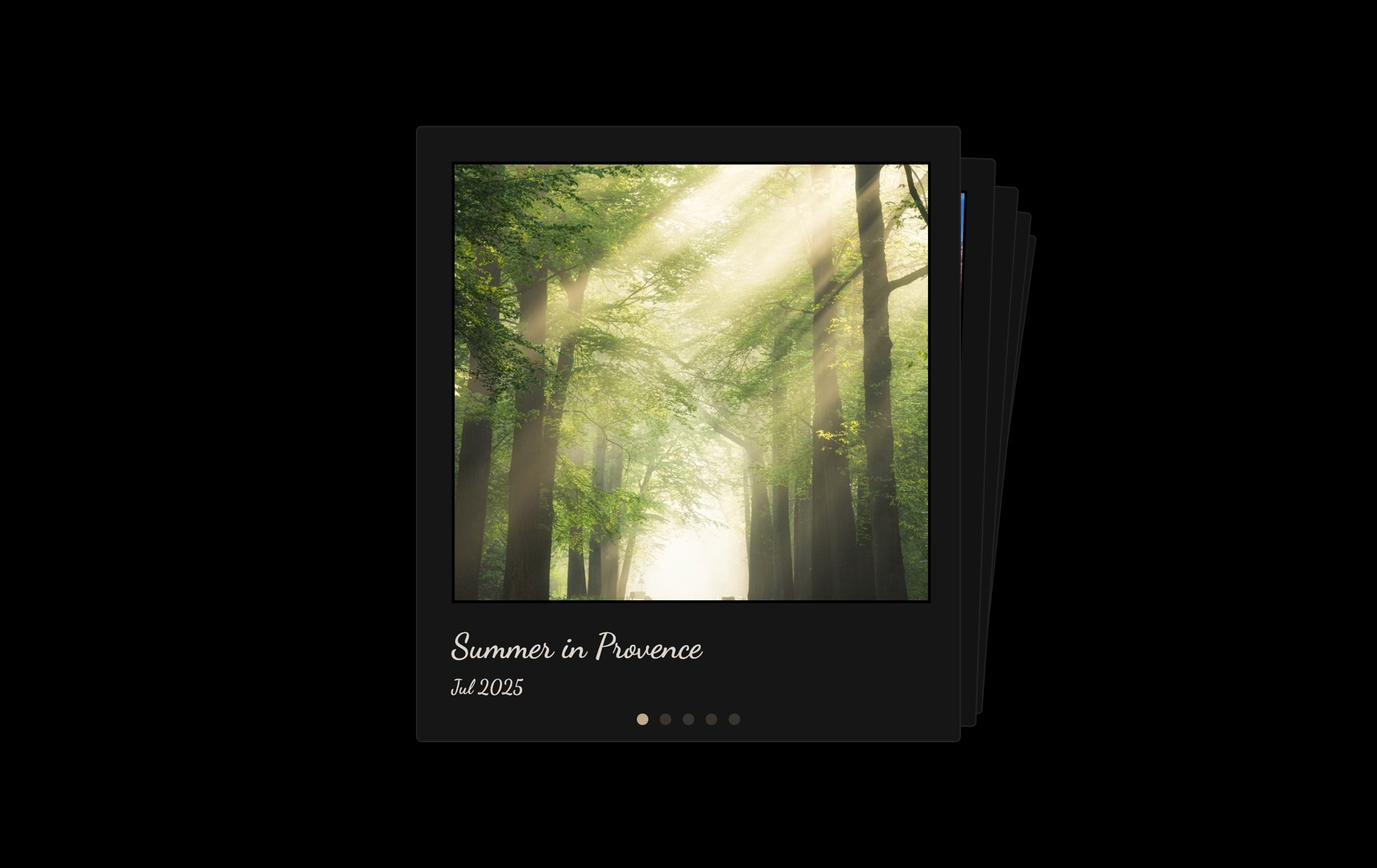
Three templates exploring the Polaroid aesthetic:
- Polaroid Memories Cards - Dark - Polaroid-style photo cards with handwritten captions and the cards effect
- Polaroid Memories Cards - Light - Light variant
- Polaroid Memories Stack - Horizontal polaroid carousel showing multiple photos at once
#Presentations
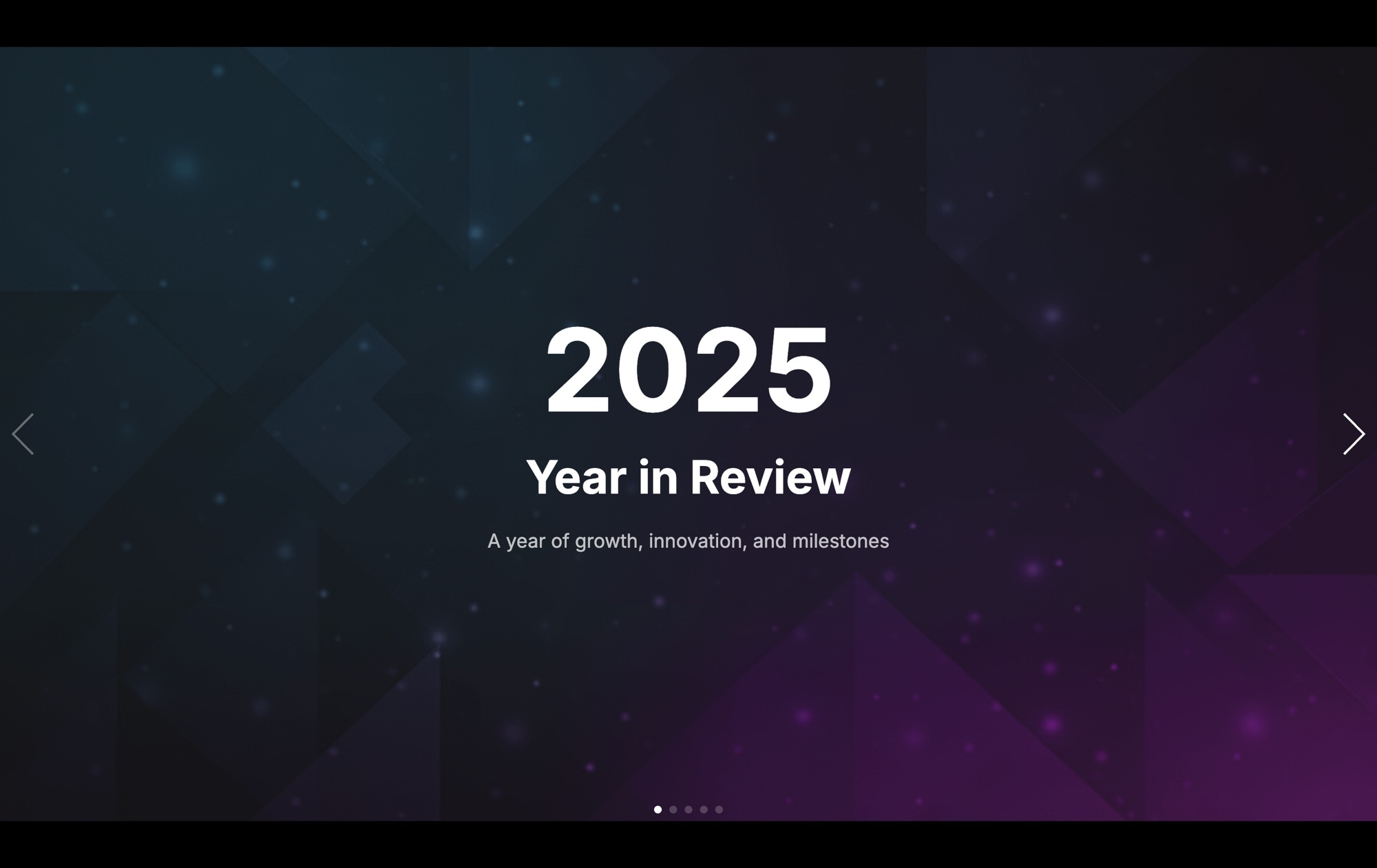
2025 Year in Review - A full-screen annual recap presentation with parallax backgrounds. Shows how Swiper Studio can build presentation-style experiences, not just traditional carousels.
#Light and Dark Variants
You will notice that several categories include both light and dark versions. This is intentional. Most websites commit to a specific color scheme, and starting with the right base saves time. The dark variants work well for entertainment, tech, and portfolio sites. The light variants suit corporate, e-commerce, and content-focused pages. Of course, you can customize the colors of any template to match your brand.
#How to Use a Template
- Head to the Templates page
- Click on any template to see it in detail
- Hit "Use This Template" to open it in the Swiper Studio editor
- Customize the content, colors, layout, and effects
- Export clean code in your preferred format - React, Vue, Next.js, HTML, Web Components, or Webflow
The whole process takes minutes, not hours.
#Works With the MCP Server Too
If you have connected an AI agent to Swiper Studio through the MCP Server, you can use templates as a starting point and let the agent customize them for you. Describe the changes you want - swap out images, update text, adjust colors, add slides - and the agent handles it. Templates plus AI agents is a fast way to go from idea to finished slider.
#More Templates Coming
These 25 use case templates are just the beginning. We will continue adding new templates for more industries, layouts, and design patterns. If there is a specific template you would like to see, let us know.
Explore the full collection at Templates and start building.








