
Polaroid Memories Stack Slider Template
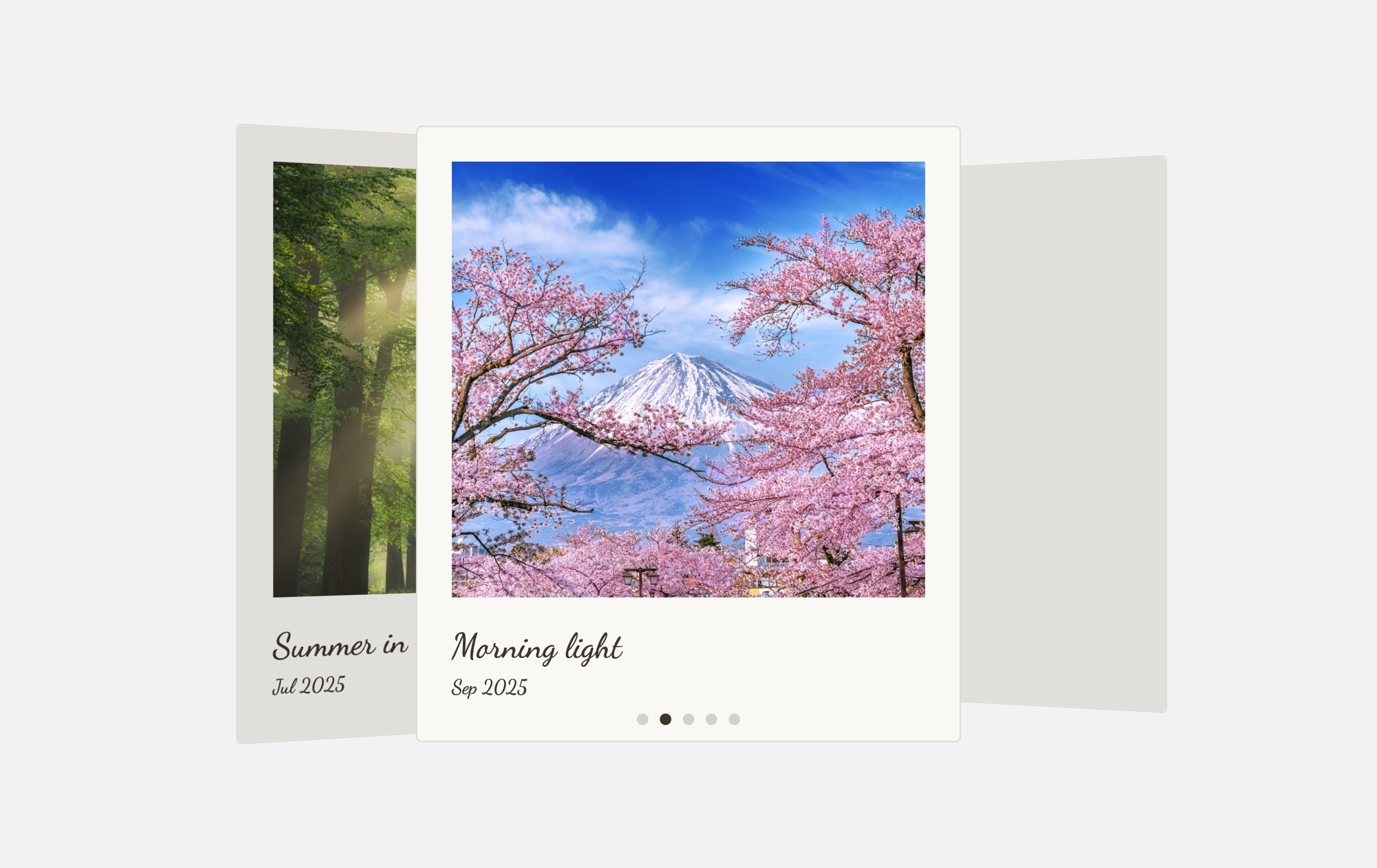
A horizontal polaroid photo carousel that displays multiple memories side by side in a single, scrollable row. Each card is framed in a white polaroid border with a landscape or nature photo, a handwritten-style caption, and a date stamp beneath — just like real instant photos spread across a table. Unlike the stacked Cards variant, this template shows several polaroid cards at once, making it ideal for larger photo collections where visitors want to browse, compare, and take in the full story at a glance.
#What Makes This Template Stand Out
Multiple Cards Visible at Once
Instead of showing one card at a time, this carousel displays several polaroid photos side by side. Visitors get an immediate sense of the full collection — they can scan across multiple memories, spot favorites, and swipe to discover more without feeling like they are missing context.
Classic Polaroid Styling
Every slide is wrapped in a white-bordered polaroid frame with space below the photo for handwritten-style captions and dates. The instant-photo aesthetic turns any image collection into something that feels personal, curated, and worth lingering over.
Horizontal Scroll Navigation
The carousel scrolls horizontally with smooth swipe gestures on touch devices and drag on desktop. This browsing pattern feels natural and magazine-like — visitors instinctively swipe through the row of photos, discovering new memories with each gesture.
Handwritten Captions and Dates
Each polaroid includes a caption and date stamp in a handwritten-style font, adding narrative context to every photo. Visitors don't just see images — they read the story, connect moments to places and dates, and engage with your content on a deeper level.
Responsive Multi-Card Layout
The number of visible cards adjusts automatically across breakpoints — more on wide screens, fewer on tablets, and a compact view on phones. You have full control over the slides-per-view, spacing, and card sizing at every breakpoint to ensure the layout looks intentional on any device.
#Who Should Use This Template
This template is built for photographers, travel bloggers, and visual storytellers who have a larger collection of photos they want to present as a cohesive series rather than isolated moments. The multi-card layout gives visitors an overview of your entire collection without requiring them to swipe through cards one by one. It works beautifully for trip recaps, seasonal photo series, event documentation, or any narrative told through a sequence of images.
Freelancers, artists, and creatives who want a portfolio section that feels approachable rather than formal will find the polaroid aesthetic hits the right tone. The horizontal carousel of polaroid cards feels like flipping through a friend's photo collection — casual enough to be inviting, curated enough to be impressive. Use it on your homepage, an about page, or a dedicated gallery section to showcase your range.
Businesses and organizations can use this template to humanize their brand with authentic visual content. Feature team outings, office culture snapshots, customer moments, product behind-the-scenes shots, or event highlights. The multi-card view ensures visitors see enough content to get the full picture, and the handwritten captions add a personal touch that stock-photo carousels simply cannot deliver.
#Best Use Cases
- ✓Travel photography blogs displaying a full trip timeline with dates, locations, and multiple photos visible at once
- ✓Wedding and event galleries where guests can browse through dozens of polaroid-style highlights in a horizontal scroll
- ✓Photography portfolio pages showcasing a curated series — editorial shoots, seasonal collections, or themed projects
- ✓Team and culture pages for companies that want to show authentic behind-the-scenes moments in a warm, personal format
- ✓Personal websites and about pages where a row of polaroid memories tells your story more effectively than a text bio
- ✓Social media recap sections embedding a scrollable photo feed with a nostalgic, instant-photo aesthetic
#How to Customize
- Open the Polaroid Memories Stack template in Swiper Studio by clicking 'Use This Template' above1
- Replace the photos — select each slide and upload your own images or choose from the built-in demo image library to fill each polaroid frame2
- Edit the captions and dates — click on the handwritten text below each photo to update memory titles, locations, descriptions, and date stamps3
- Add more polaroid cards — duplicate an existing slide to maintain consistent frame styling, then swap in new photos and captions for each addition4
- Configure slides per view — adjust how many polaroid cards are visible simultaneously on desktop, tablet, and mobile through the responsive breakpoint settings5
- Customize spacing and sizing — fine-tune the gap between cards, card dimensions, caption font sizes, and overall carousel width to fit your page layout6
- Add navigation controls — enable arrows, scrollbar, or pagination dots if you want additional browsing options beyond swipe and drag7
- Export to your preferred format (HTML, React, Vue, Next.js, Web Component, or Webflow) or publish to CDN for instant embedding on your site8
#Frequently Asked Questions
- How is this different from the Polaroid Memories Cards templates?
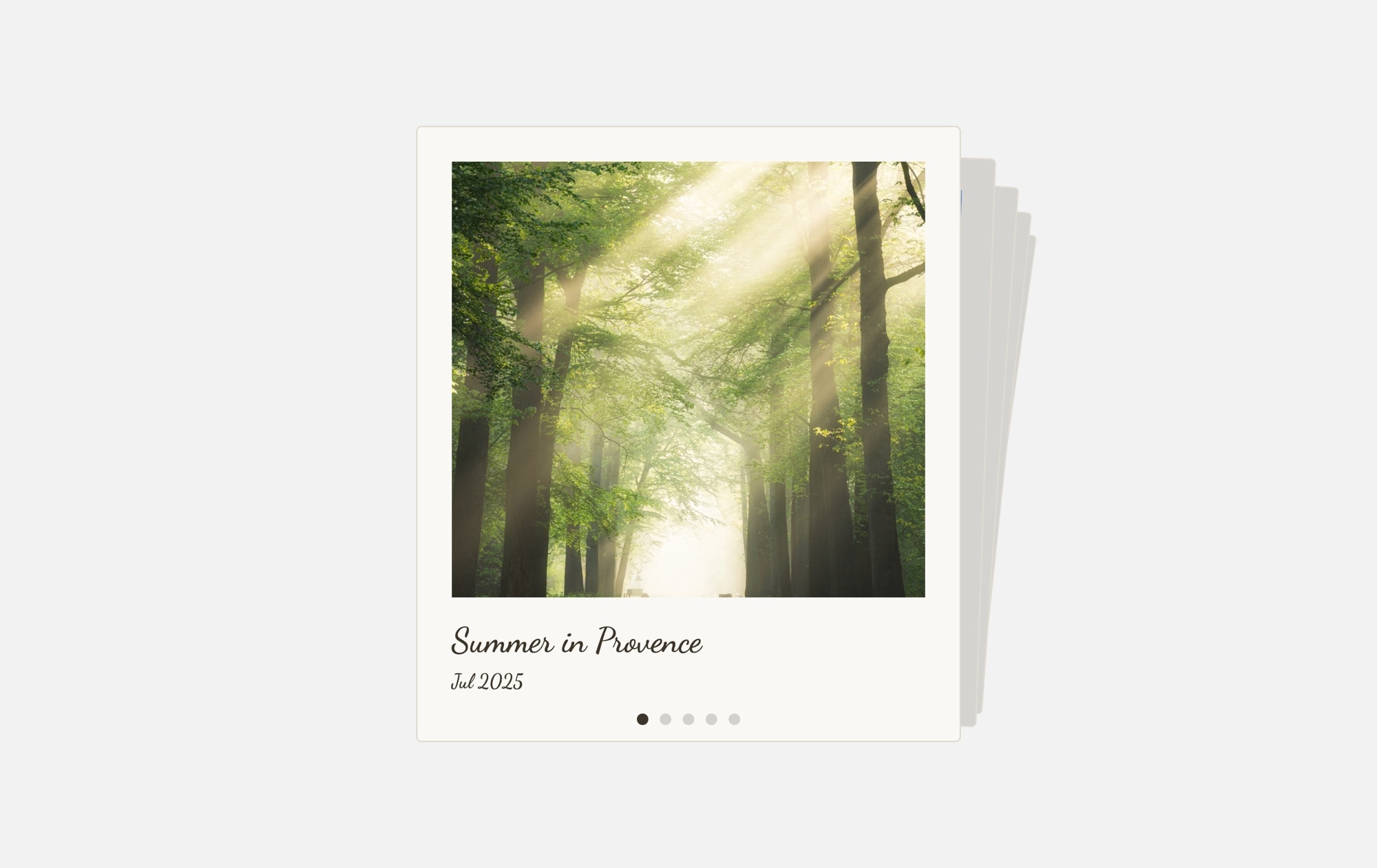
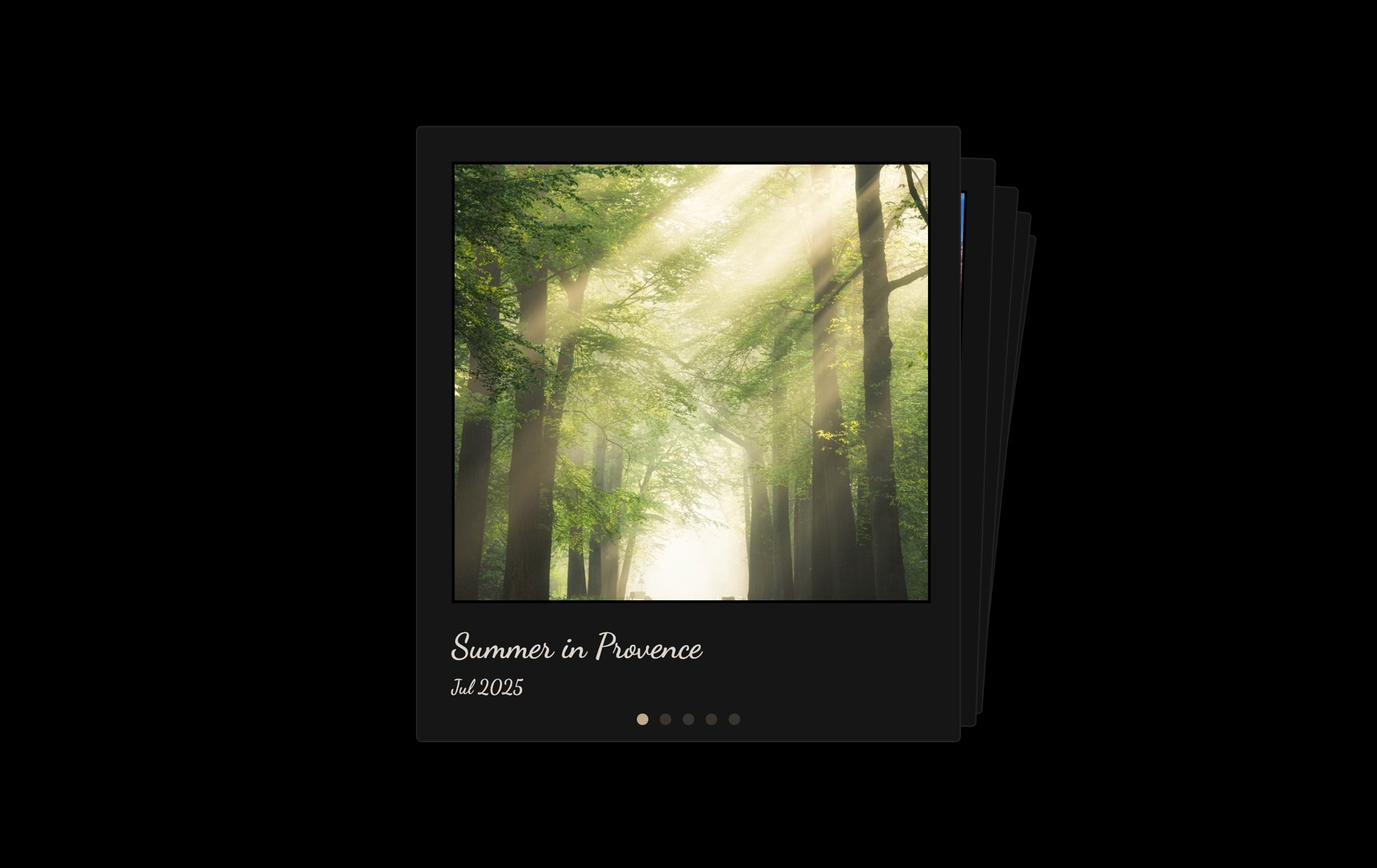
- The Cards templates use a stacked cards effect where one polaroid sits on top of another and you swipe to peel cards away. This Stack template is a horizontal carousel that displays multiple polaroid cards side by side in a row, so visitors can see several photos at once and scroll through them. Choose the Cards version for a focused, one-at-a-time experience, or this Stack version for a browsable overview of your full collection.
- How many polaroid cards are visible at the same time?
- The number of visible cards depends on the screen size and your configuration. By default, the template shows multiple cards on desktop, fewer on tablet, and typically two or one on mobile. You can customize the slides-per-view setting independently for each breakpoint in the editor to show exactly as many cards as you want.
- Can I customize the captions and dates on each polaroid?
- Absolutely. Every text element is editable in the visual editor — click on any caption or date to change the content, font, size, color, and spacing. Write location names, event descriptions, people's names, or any text you like. You can also remove the text entirely for a photos-only carousel.
- Is there a limit to how many polaroid cards I can add?
- No. Add as many slides as your photo collection requires. Duplicate an existing card to keep the polaroid styling consistent, then replace the photo, caption, and date. The horizontal carousel handles large collections smoothly with swipe navigation.
- What export formats are available?
- You can export this template as standalone HTML, a React component, a Vue component, a Next.js project, a Web Component, or a native Webflow element via Paste into Webflow. You can also publish directly to CDN for iframe embedding on any website.
#Related Templates


#Related Resources
- Swiper Studio for Photographers
- Swiper Studio for Image Galleries
- Swiper Studio for Portfolios
- Swiper Studio for Freelancers
Ready to Build Your Slider?
Pick a template, customize it visually, and export production-ready code to React, Vue, Next.js, HTML, Webflow, and more. No coding required.








