
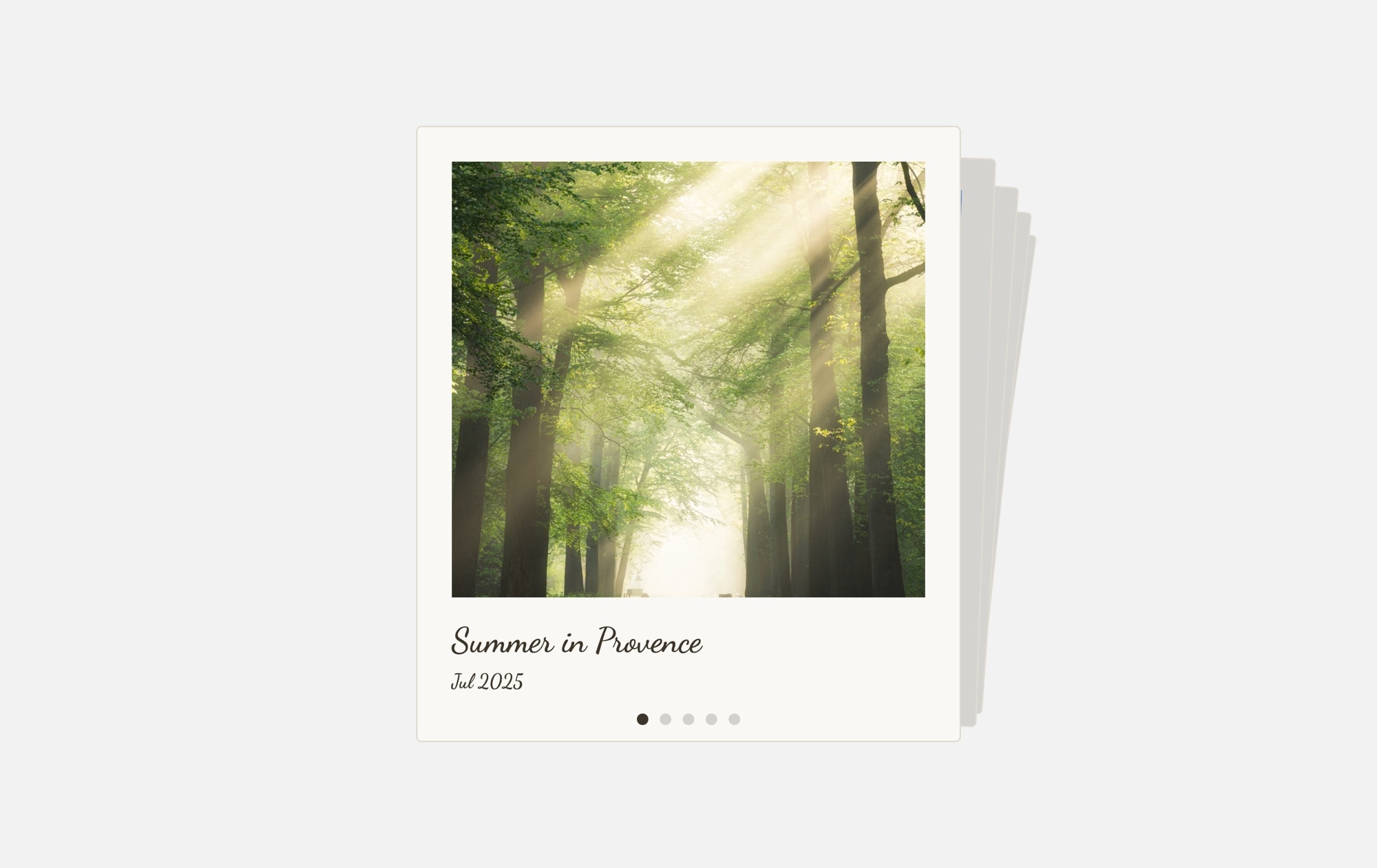
Polaroid Memories Cards - Light Slider Template
A bright, airy polaroid photo card carousel that presents your images as cherished keepsakes on a clean light background. Each card is framed in a classic white polaroid border with a nature photo, a handwritten-style caption like "Summer in Provence," and a date stamp below. Cards stack behind the featured photo with subtle rotation, creating an inviting, flip-through-the-memories experience. This light variant is ideal for sites with white or neutral color schemes where you want the polaroid aesthetic without a dark backdrop.
#What Makes This Template Stand Out
Classic Polaroid Framing
Every slide is wrapped in a white-bordered polaroid card with space below the photo for handwritten-style captions and dates. The analog instant-photo aesthetic adds warmth and personality to any image collection, making digital galleries feel personal and tactile.
Stacked Cards Effect
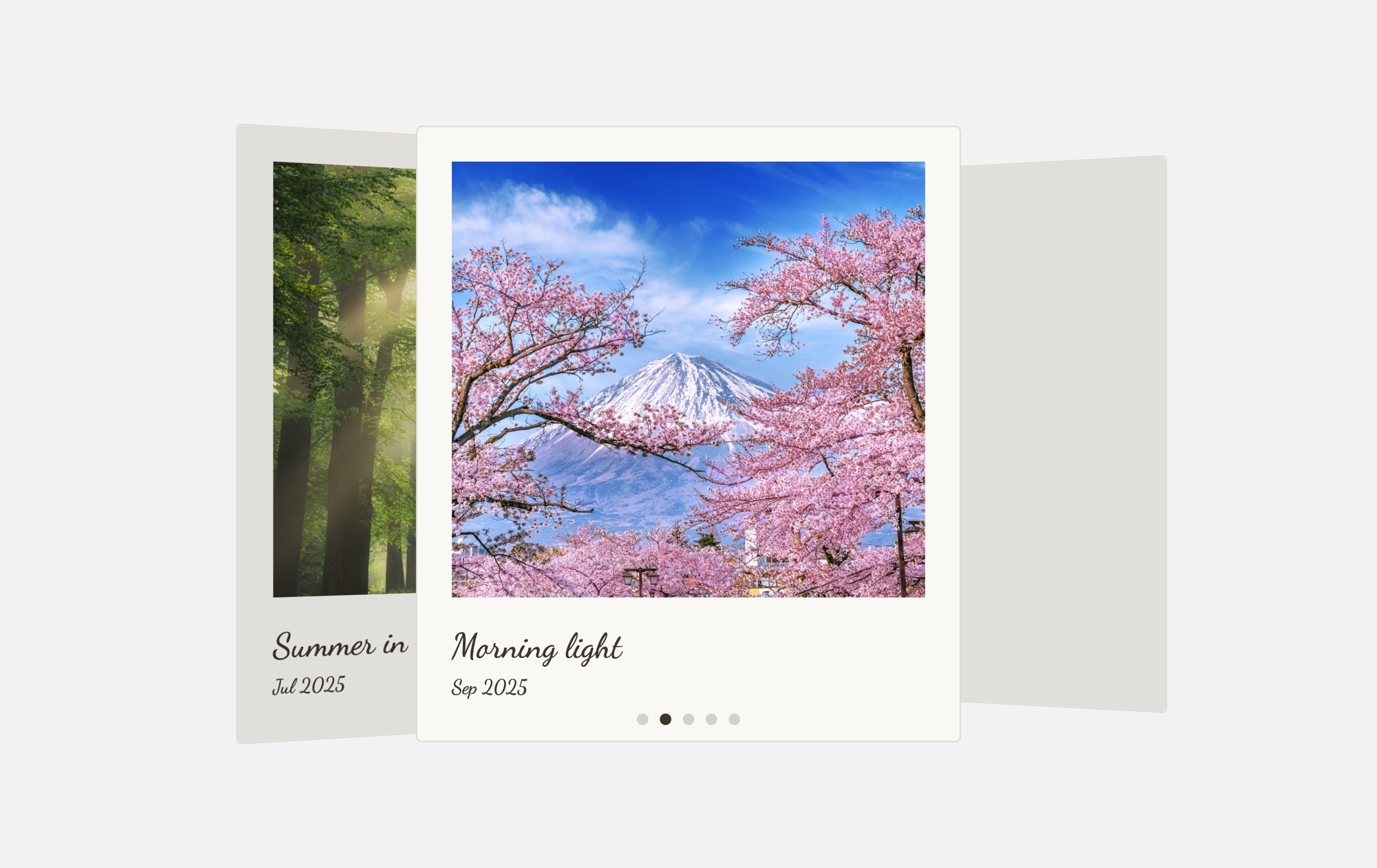
Cards pile on top of each other with slight rotation and depth offset, creating the look and feel of a real photo stack on a sunlit table. Swiping lifts the top card away to reveal the next memory — an engaging, intuitive interaction pattern that encourages exploration.
Light, Clean Background
The soft light gray backdrop keeps the overall feel open and airy, letting the polaroid frames and photos breathe. This light theme integrates naturally into white-background websites, wedding sites, lifestyle blogs, and any design that prioritizes a bright, inviting aesthetic.
Handwritten Captions and Date Stamps
Each polaroid card includes styled caption text and a date below the photo, turning a simple image slider into a storytelling experience. Visitors connect with the narrative behind each photo — where it was taken, when it happened, and what it means.
Seamless Responsive Scaling
The polaroid cards and stacked layout adapt gracefully to any screen size. On desktop, the effect is spacious and dramatic. On tablets and phones, cards scale proportionally while maintaining the polaroid proportions, crisp text, and smooth swipe interaction.
#Who Should Use This Template
This template is ideal for wedding websites, lifestyle bloggers, and personal sites that run on a light or white color scheme. The soft background means the polaroid slider drops into your page without clashing with surrounding content. Use it to showcase engagement photos, baby milestones, travel diaries, or any collection of moments that deserves more personality than a standard image gallery.
Photographers and creatives who prefer a clean, minimal presentation will appreciate how the light background keeps attention on the photos themselves. The polaroid framing adds character without overpowering the imagery — a subtle art direction choice that makes your work feel curated and intentional, whether you are showing landscape photography, food shots, or editorial portraits.
Small businesses, boutiques, and event planners can use this template to add a personal, handcrafted touch to their websites. Feature customer moments, behind-the-scenes snapshots, or seasonal highlights in a format that feels warm and authentic — the opposite of the corporate carousel visitors have learned to ignore. The handwritten captions humanize your brand and invite engagement.
#Best Use Cases
- ✓Wedding and engagement websites showcasing couple photos with dates and location captions
- ✓Lifestyle and travel blogs presenting trip highlights as a nostalgic photo collection
- ✓Photography portfolio sections that need an intimate, personal alternative to full-screen galleries
- ✓Small business websites featuring customer moments, product snapshots, or team highlights
- ✓Event recap pages for baby showers, birthdays, graduations, and milestone celebrations
- ✓Personal landing pages and about sections where a photo stack tells your story better than a bio
#How to Customize
- Open the Polaroid Memories Cards - Light template in Swiper Studio by clicking 'Use This Template' above1
- Replace the photos — select each slide and upload your own images or choose from the built-in demo image library to fill the polaroid frames2
- Edit the captions and dates — click on the handwritten text below each photo to update the memory title, location, or description, and change the date stamp3
- Add or remove polaroid cards — duplicate an existing slide for consistent styling and swap the content, or delete cards you don't need4
- Fine-tune the cards effect — adjust rotation angle, card overlap depth, shadow intensity, and swipe transition speed from the editor panel5
- Adjust the background and frame colors — change the light gray backdrop, polaroid border shade, and text colors to match your site's palette6
- Export to your preferred format (HTML, React, Vue, Next.js, Web Component, or Webflow) or publish to CDN for instant embedding on your site7
#Frequently Asked Questions
- How is this different from the dark version of this template?
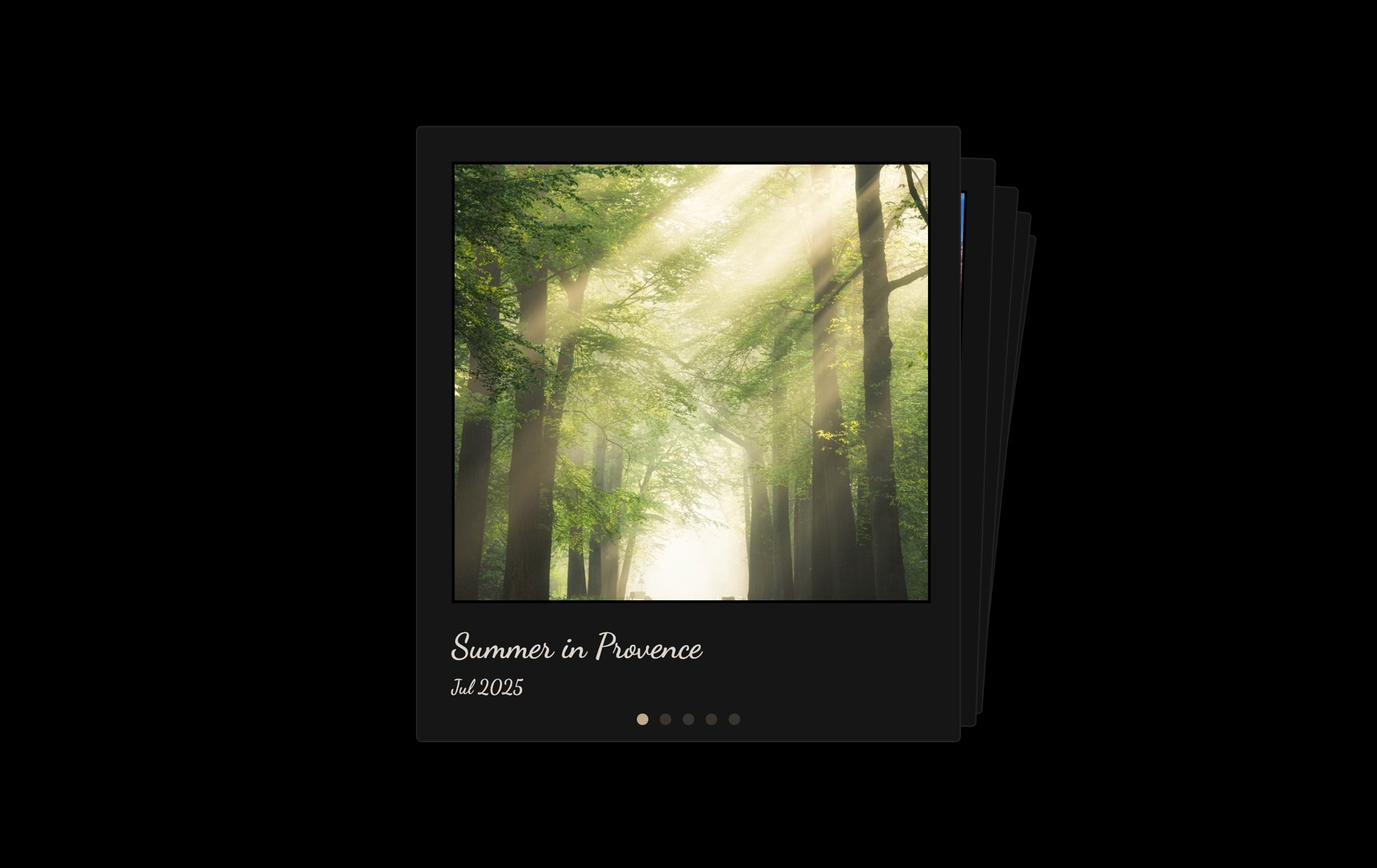
- The layout, polaroid card styling, and cards effect are identical. The difference is the background — this version uses a soft, light gray backdrop that gives the slider an airy, clean feel. The dark version uses a deep background for more dramatic contrast. Choose whichever matches your site's color scheme, or try both to see which suits your content better.
- Can I customize the handwritten captions and date stamps?
- Yes. Every text element is editable directly in the visual editor. Click on any caption or date to change the text content, font family, font size, color, and positioning. You can write location names, event descriptions, personal notes, or remove the text entirely.
- Will the polaroid cards look good on mobile devices?
- Absolutely. The cards scale proportionally on smaller screens, and the stacked cards effect works beautifully on touch devices — swiping through the stack feels natural and responsive. You can adjust font sizes, card dimensions, and spacing independently for each breakpoint to ensure a perfect mobile experience.
- Can I add more photos to the carousel?
- There is no limit on the number of slides. Duplicate an existing polaroid card to maintain consistent styling, then replace the photo, caption, and date with your own content. Add as many cards as your collection requires — the carousel handles any number smoothly.
- What export formats are available?
- You can export this template as standalone HTML, a React component, a Vue component, a Next.js project, a Web Component, or a native Webflow element via Paste into Webflow. You can also publish directly to CDN for iframe embedding on any website.
#Related Templates

#Related Resources
Ready to Build Your Slider?
Pick a template, customize it visually, and export production-ready code to React, Vue, Next.js, HTML, Webflow, and more. No coding required.








