
Product Showcase - Light Template
Not every product page needs a dark, moody backdrop. Some products sell best when they are presented in a clean, bright environment where the details are crisp and the design feels open and approachable. The Product Showcase - Light template gives you that.
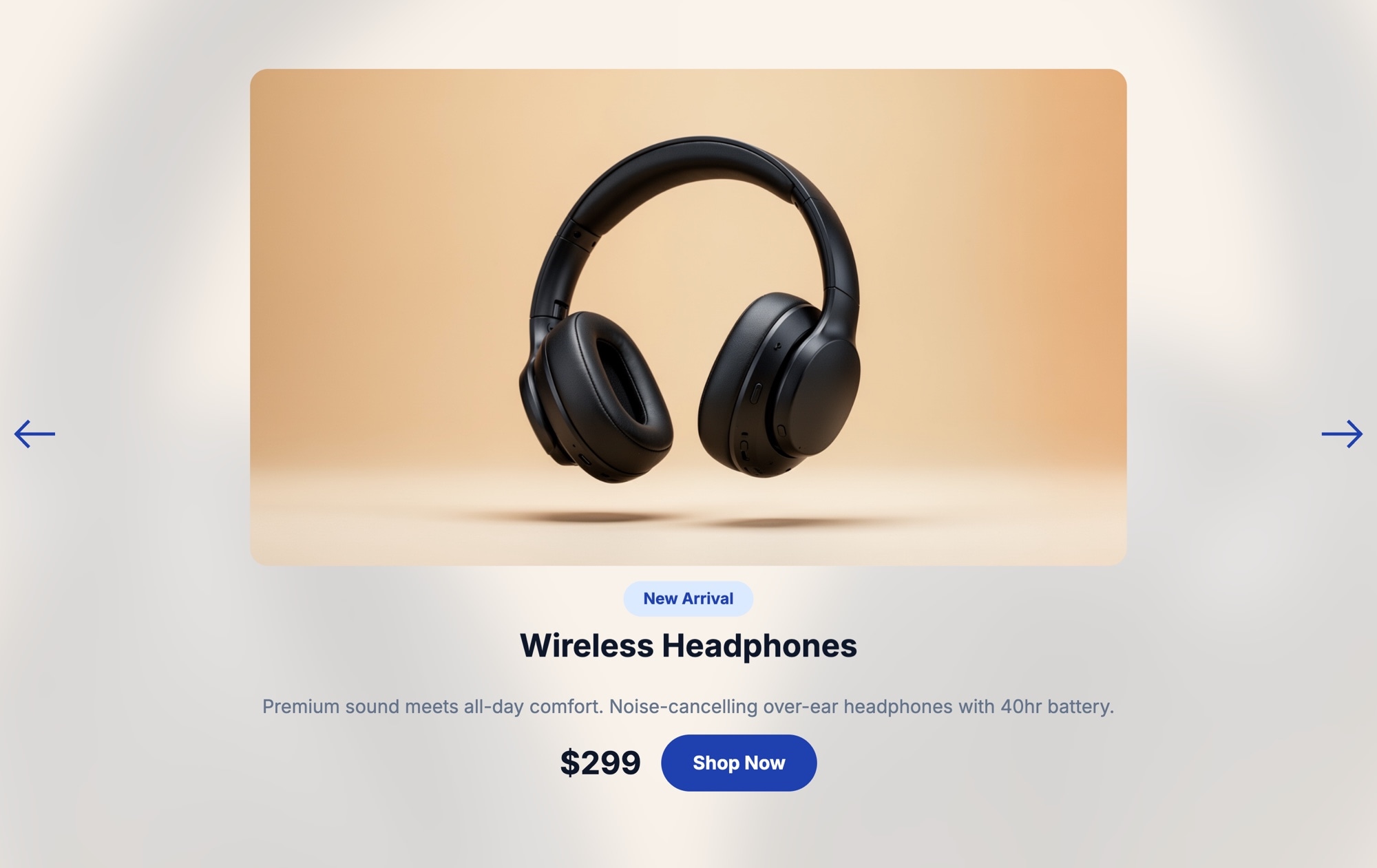
The layout mirrors the proven single-product spotlight format: a large centered product image on a warm gradient card, a "New Arrival" badge, product title, description, $299 price, and a prominent dark blue "Shop Now" button. Blue navigation arrows on each side let visitors browse between featured products. The white background keeps the presentation airy and readable, making it a natural fit for stores, brand sites, and landing pages that use a light color scheme.
#What Makes This Template Stand Out
Clean, Bright Presentation
The white background gives your product images room to breathe. Colors render accurately, fine details are easy to see, and the overall page feels open and trustworthy. This is the kind of clean presentation that works for everything from consumer electronics to skincare to home goods.
Warm Gradient Product Card
The product image sits on a subtle warm gradient card that lifts it off the white background and adds visual depth without competing for attention. The result is a polished, layered look that feels designed rather than flat.
Direct-to-Purchase Layout
Product name, description, price, and a Shop Now button are all visible within the same viewport. There is no need for the visitor to scroll or hunt for buying information. The layout is designed to move someone from interest to action in a single glance.
Blue Navigation Arrows
Styled navigation arrows on each side of the slider provide a clear, on-brand way to browse products. On mobile, touch swiping supplements the arrows for a seamless experience across all devices.
#Who Should Use This Template
If your website uses a light color scheme, this template integrates seamlessly. It is a natural match for brands in health and wellness, home goods, fashion, beauty, food and beverage, and consumer technology - categories where a bright, clean aesthetic builds trust and feels appropriate. The white background also works well on sites that prioritize readability and accessibility.
This template is particularly effective for product launch pages and new arrival sections. The single-product-per-slide layout creates a focused, high-impact presentation that tells the visitor: this is the item we want you to see right now. Add a time-sensitive badge like "New Arrival" or "Limited Edition" and pair it with a direct CTA button, and you have a conversion-ready section that takes minutes to build.
Whether you run a Shopify store, a WooCommerce site, a custom-built storefront, or a Webflow marketing page, this template works everywhere. Build it in Swiper Studio and export to whatever platform you need. If you manage multiple brands or client sites, the same project can be exported in different formats without rebuilding.
#Best Use Cases
- ✓Product launch announcements on light-themed websites
- ✓New arrivals and featured product sections on e-commerce homepages
- ✓Brand landing pages for consumer goods, beauty, and wellness products
- ✓Shopify and WooCommerce stores with light or white theme designs
- ✓Single-product spotlights for seasonal promotions or flash sales
- ✓Marketing pages where product images need to render with accurate colors on a neutral background
- ✓Client projects where a clean, professional product slider is needed quickly
#How to Customize
- Click Use This Template above to open it in the Swiper Studio editor1
- Replace the placeholder product image with your own photo - click the image element and upload a file or paste a URL2
- Edit the badge text (e.g., change New Arrival to Best Seller, Limited Edition, or Sale), and update the product title, description, and price3
- Set the Shop Now button link to point to your product page or cart URL, and change the button label if needed4
- Adjust the color palette - modify the background, gradient card, button color, and text colors to align with your brand5
- Duplicate the slide or add new slides to showcase additional products in the carousel6
- Switch between responsive breakpoints in the editor to fine-tune the layout on mobile, tablet, and desktop7
- Publish to CDN for instant embedding, or export as HTML, React, Vue, Next.js, Web Component, or Webflow8
#Frequently Asked Questions
- What is the difference between the light and dark product showcase templates?
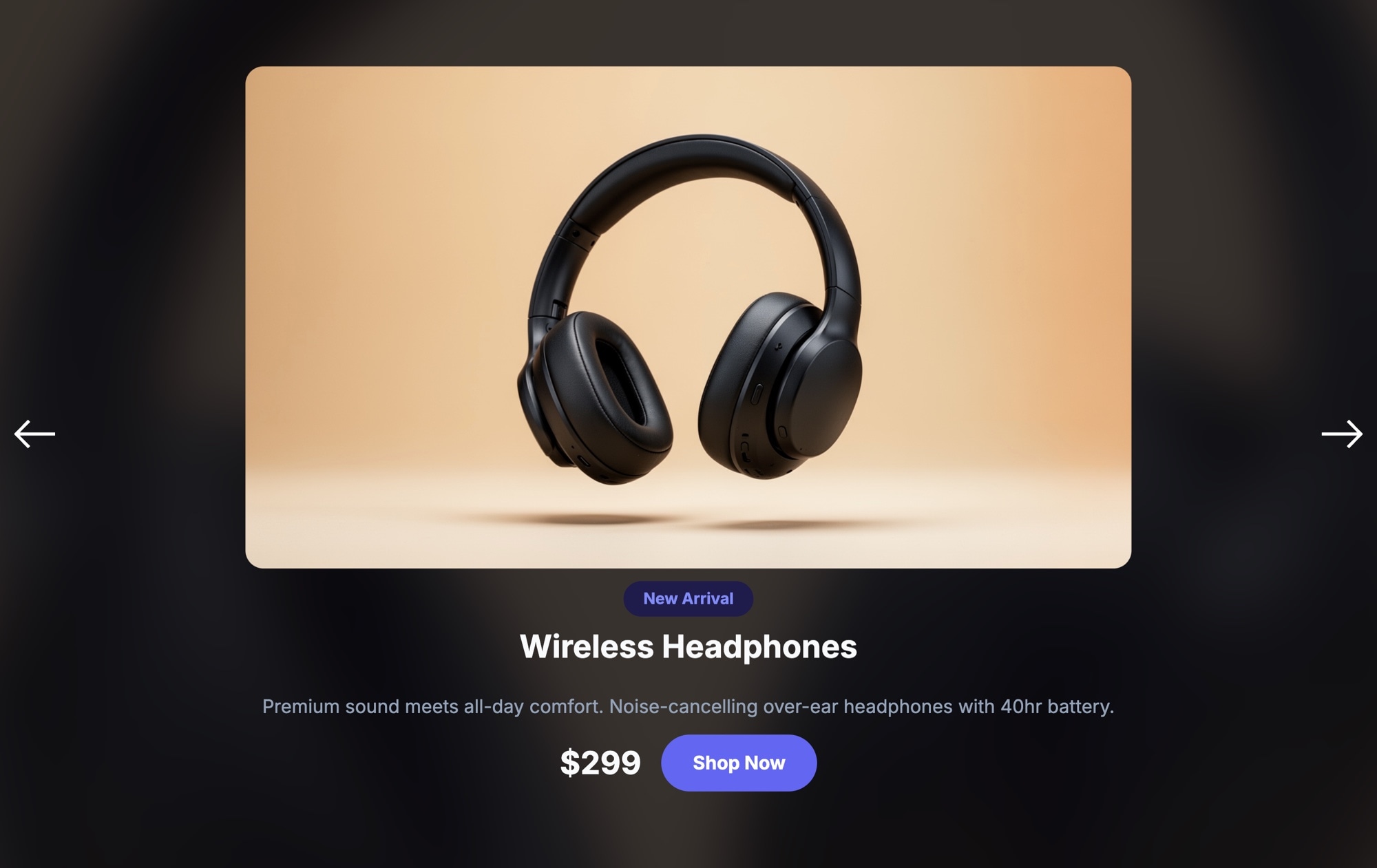
- Both templates share the same layout structure - centered product image on a gradient card, badge, title, description, price, and shop button. The light version uses a white background with dark text and a dark blue CTA button, while the dark version uses a dark background with light text and a purple CTA button. Choose whichever matches your site design.
- Can I change the button color and background to match my brand?
- Yes. Every visual element is fully customizable in the Swiper Studio editor. You can change the background color, button color, text colors, gradient card tones, badge styling, and font choices. The light theme is a starting point - adjust it to match your exact brand palette.
- Can I use this template for multiple products in a carousel?
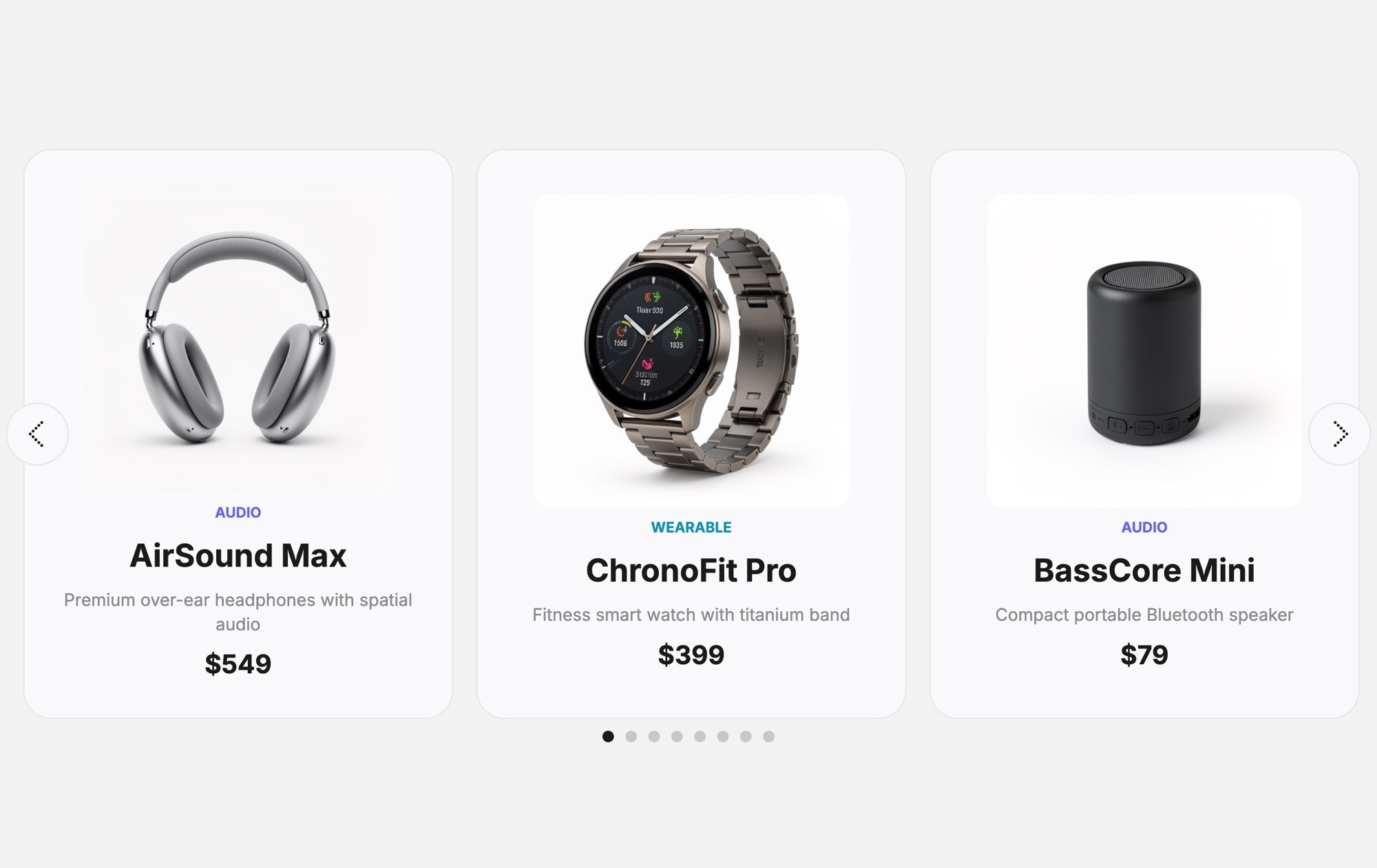
- Yes. You can duplicate the initial slide or add new slides to create a multi-product carousel. Each slide supports its own product image, title, description, price, badge text, and button link. Navigation arrows and optional pagination make it easy for visitors to browse through your products.
- Is the template responsive on phones and tablets?
- Yes. The template includes responsive breakpoints for mobile, tablet, laptop, and desktop. You can adjust font sizes, image dimensions, button sizing, and spacing at each breakpoint independently. Touch swiping works automatically on mobile devices.
- How do I add this slider to my website?
- Customize the template in Swiper Studio, then publish to CDN to get an embed snippet you can paste into any website. Alternatively, export as clean HTML, a React component, a Vue component, a Next.js project, or a Web Component. Paste into Webflow also drops it into your Webflow page as native elements.
#Related Templates
#Related Resources
- Swiper Studio for Product Carousels
- Swiper Studio for E-commerce Stores
- Swiper Studio for Shopify
- Swiper Studio for Landing Pages
Ready to Build Your Slider?
Pick a template, customize it visually, and export production-ready code to React, Vue, Next.js, HTML, Webflow, and more. No coding required.








