

#New Export Option: Next.js
Next.js is one of the most popular React frameworks for building modern web applications, and now Swiper Studio supports it as a first-class export target. Design your slider visually in the editor, then export a complete Next.js project - ready to install and run.
#What You Get
When you export your Swiper Studio project as Next.js, you download a fully scaffolded App Router project with everything wired up:
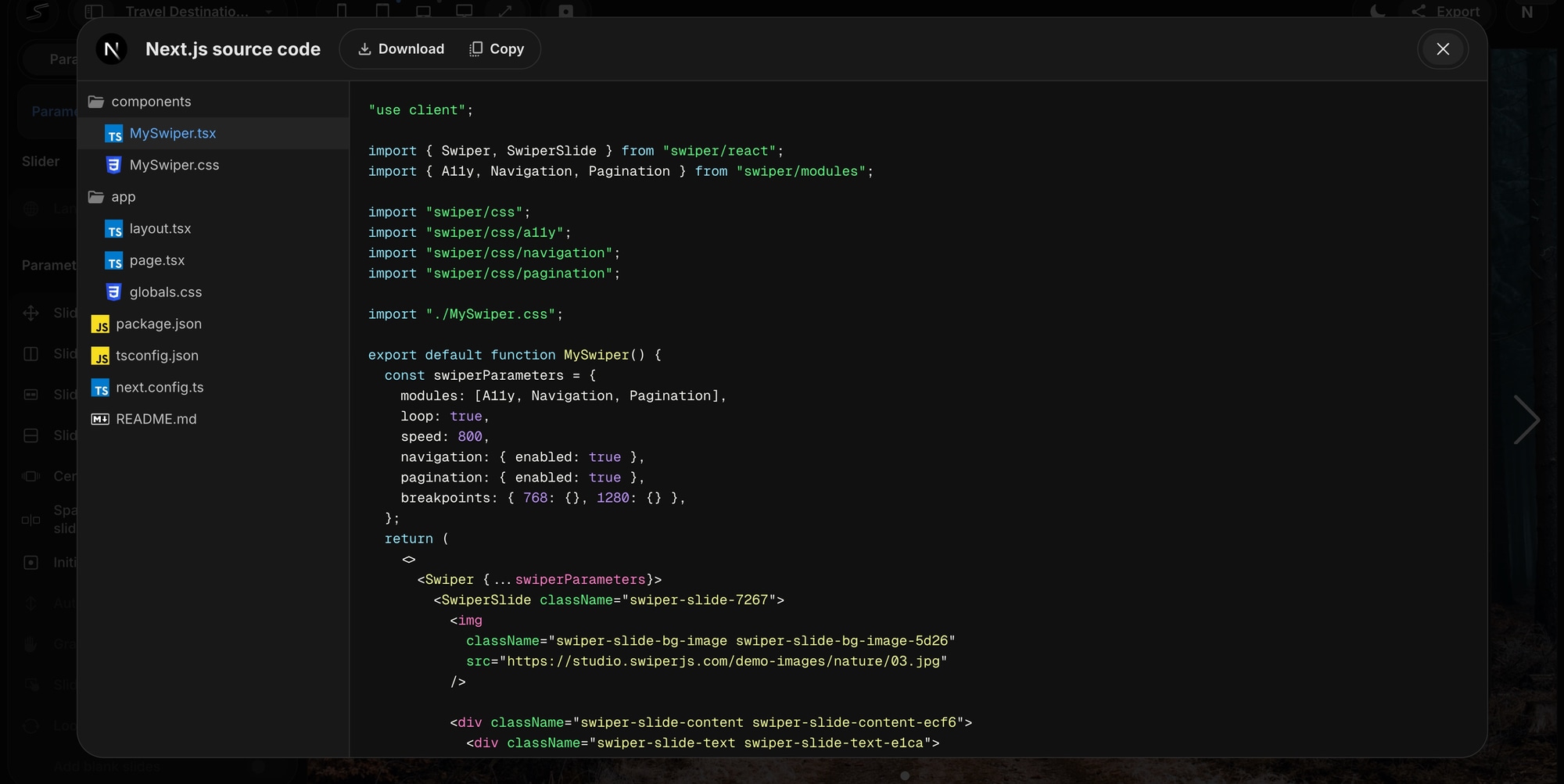
components/MySwiper.tsx- Your slider as a ready-to-use React client component with all Swiper modules, effects, and parameters configuredcomponents/MySwiper.css- Generated styles for your slides, including per-slide backgrounds, typography, and layoutapp/layout.tsx- Root layout with metadataapp/page.tsx- Home page that renders your sliderpackage.json- Pre-configured with Next.js 16, React 19, Swiper, and TypeScripttsconfig.jsonandnext.config.ts- Standard Next.js configuration
Three commands and your slider is live:
npm installnpm run dev# Open http://localhost:3000
#How to Use It
The Next.js export is available in both the Source Code viewer and the Download section of the Export panel.
#View Source Code
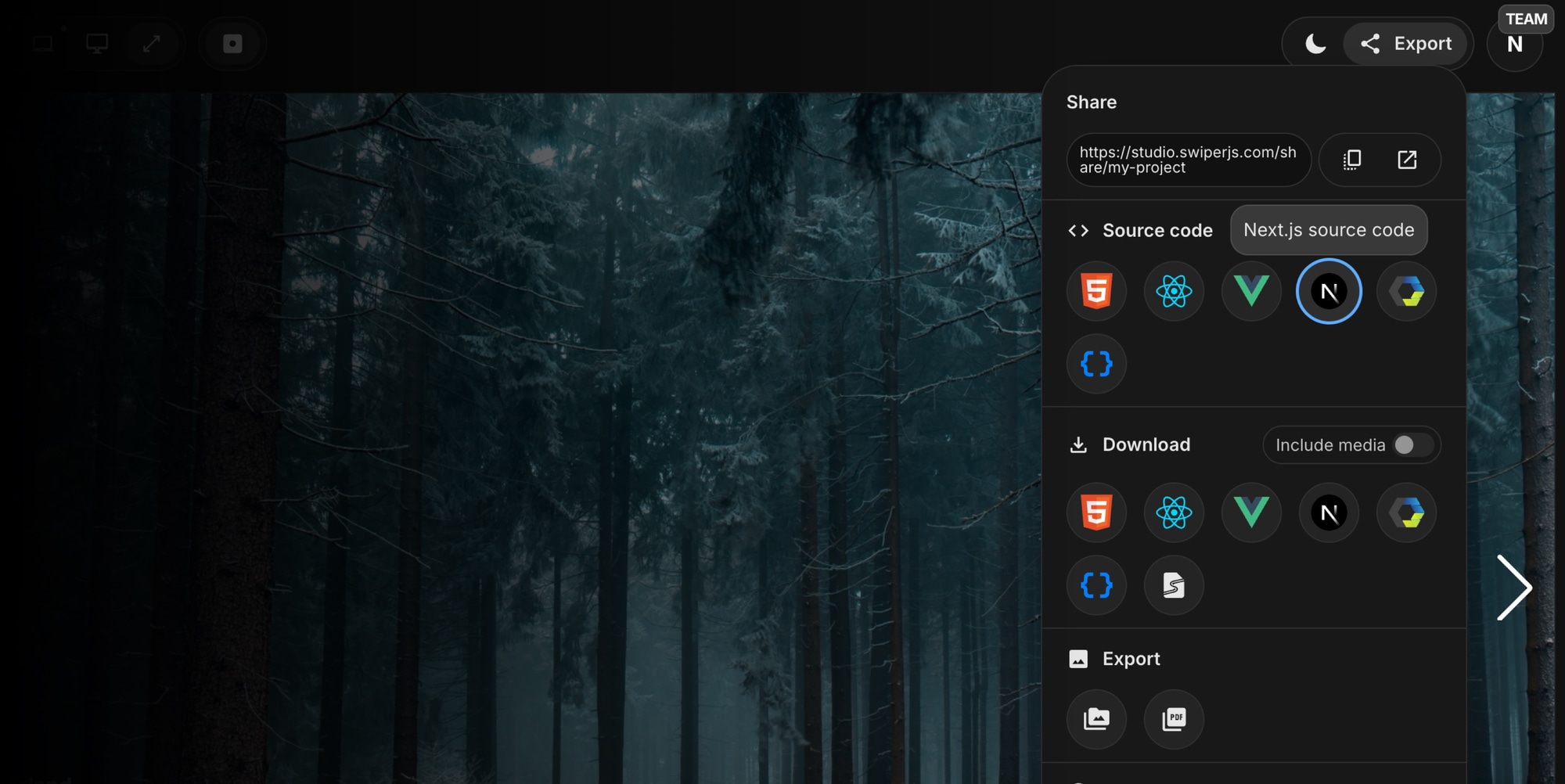
Open the Export panel and click the Next.js button in the Source Code section. You will see the generated files in the code viewer - browse them, copy what you need, or use the code as a reference for integrating the slider into your existing Next.js app.
#Download as ZIP
Click the Next.js button in the Download section to get a ZIP archive containing the full project. Extract it, install dependencies, and you are ready to go.
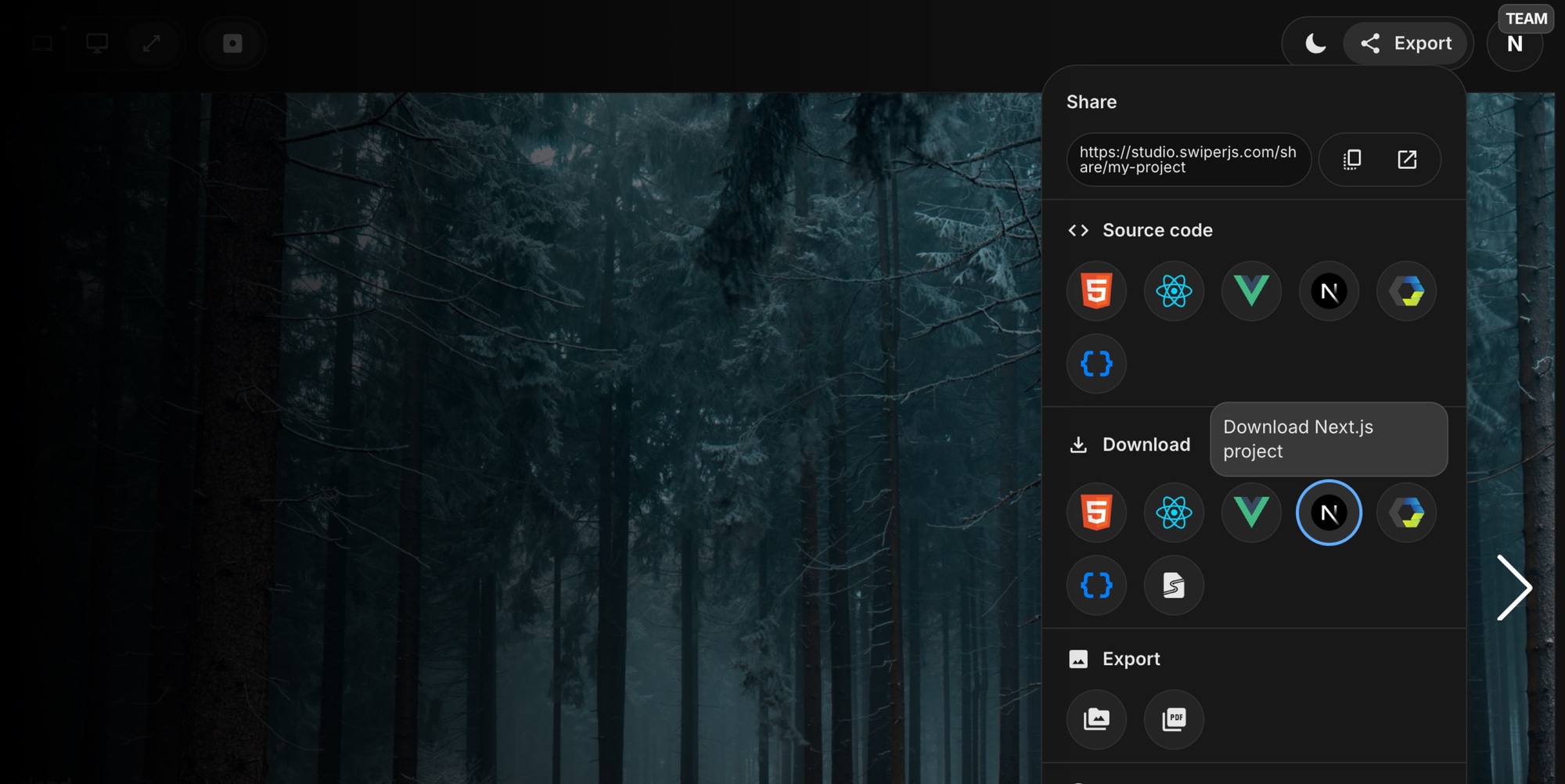
If your project uses images or media, toggle the Include media option to bundle all assets into the download.
#Built for the App Router
The exported project uses the Next.js App Router architecture. The Swiper component is marked with 'use client' since it relies on browser APIs for touch interactions, animations, and transitions. This means it integrates cleanly into both client and server component trees - just import it where you need it.
#All Swiper Features Included
The Next.js export supports everything you can configure in Swiper Studio:
- All effects - Slide, Fade, Cube, Coverflow, Flip, Cards, Creative, Material, Expo, and more
- Navigation, pagination, and scrollbar with inside or outside placement
- Custom navigation icons
- Autoplay, loop, hash navigation, and keyboard control
- Responsive breakpoints
- Per-slide content with text, images, videos, and block elements
- Custom CSS class names per slide
#Alongside Your Existing Export Options
Next.js joins the existing lineup of export formats in Swiper Studio:
- HTML - Standalone HTML page
- React - React component
- Vue - Vue component
- Next.js - Complete Next.js project (new)
- Web Component - Swiper Element
- Parameters - JSON configuration object
Whether you are starting a new Next.js project or adding a slider to an existing one, Swiper Studio now gives you the fastest path from visual design to production code.
Give it a try at studio.swiperjs.com and let us know what you think!








