#Introducing the Monthly Plan and Simpler Pricing
Until today, Swiper Studio came in two flavors: pay for a year, or pay once and keep it forever. Both are great when you know you'll be building sliders for a while. They are less great when you have one client site to ship and no idea whether you'll need the tool next month.
So we're adding a third option, and while we were at it, we tidied up the whole price list.
#The new Monthly plan
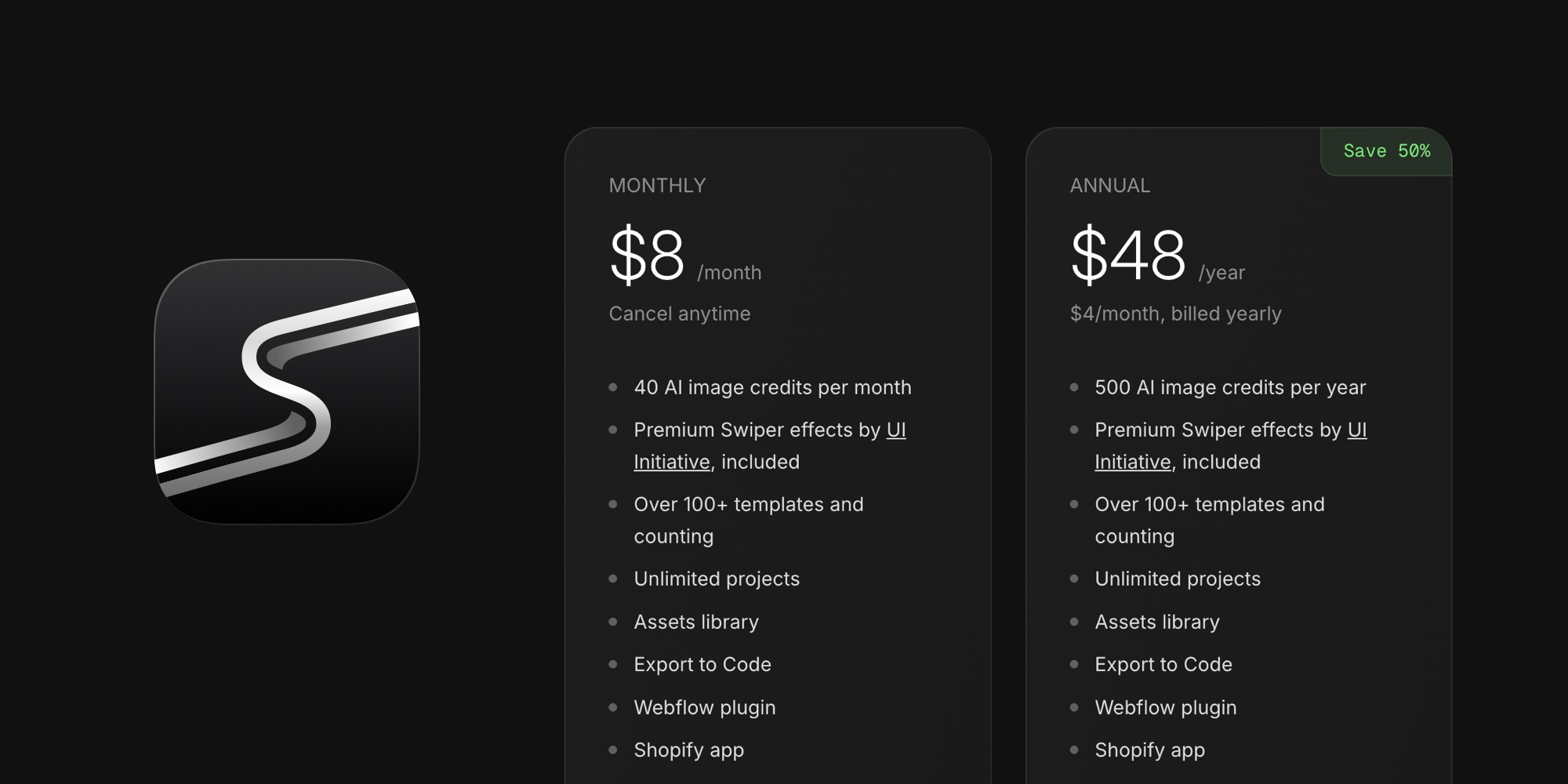
You can now subscribe to Swiper Studio month to month:
- Individual - $8/month
- Team - $16/month
Everything is included: every template, every premium effect, every export format, the Paste into Webflow, the Shopify app, the MCP server, and CDN publishing. There are no feature gates and no per-project limits on Monthly. Cancel anytime from your account menu, and your published sliders keep working after you do, because exports are static code.
Monthly plans include AI image credits too: 40 credits per month on Individual and 80 per month on Team, refreshed at the start of each billing period.
#A price list you can do in your head
The new prices are all multiples of the monthly price:
| Plan | Monthly | Annual | Lifetime |
|---|---|---|---|
| Individual | $8 | $48/year | $96 once |
| Team | $16 | $96/year | $192 once |
That's the whole pitch: pay for 6 months and get a year. Pay for 12 months and keep it forever. The Annual plan works out to exactly $4/month on Individual and $8/month on Team, and Lifetime still includes the desktop apps for macOS, Windows, and Linux.
Annual and Lifetime prices went down by a dollar or three, so nobody is paying more. If you're on an existing annual subscription, nothing changes for you: you keep renewing at your original price. If you'd like to move to the new price, or switch plans, see below.
#Solo is now Individual
The plan formerly known as Solo is now called Individual. Same plan, same features, clearer name next to Team. Nothing changes in your account.
#Switching between plans
Subscribers can now change plans without contacting us. Open the user menu in the top right corner of Swiper Studio and you'll find:
- Upgrade to Team - moves an Individual subscription to Team on the same billing interval. You pay the prorated difference today and your billing date stays the same.
- Switch to Annual - moves a Monthly subscription to Annual. Your new annual period starts today, and any unused time on the monthly plan is credited.
- Get Lifetime - buys a Lifetime license. Your subscription is cancelled automatically as part of the purchase, so there's nothing to clean up afterwards.
#Shopify merchants
The Shopify app has the Monthly plan too, billed through Shopify Billing like everything else on the App Store. Merchants can choose Individual or Team, Monthly or Annual, right inside the app, and switch between them later with the Change plan button. One plan covers your store and every other place you use Swiper Studio.
#Which plan should I pick?
- One project, unsure about the rest? Monthly. It's $8, and you can cancel the day you ship.
- Building sliders regularly? Annual. Half the price of Monthly over a year.
- Planning to stick around? Lifetime. It pays for itself in a year versus Monthly, and it's the only plan with the desktop apps.
Head over to the pricing section to get started, or open the user menu in Swiper Studio if you're already a subscriber and want to switch.